Speech Follow + Pace Mode · Free
Your voice.
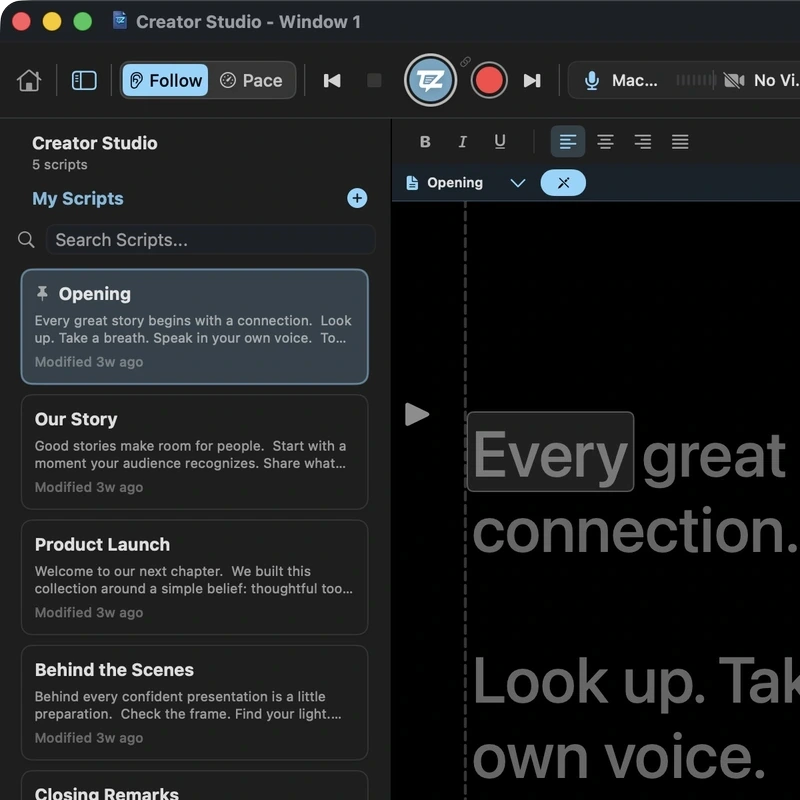
Your pace.

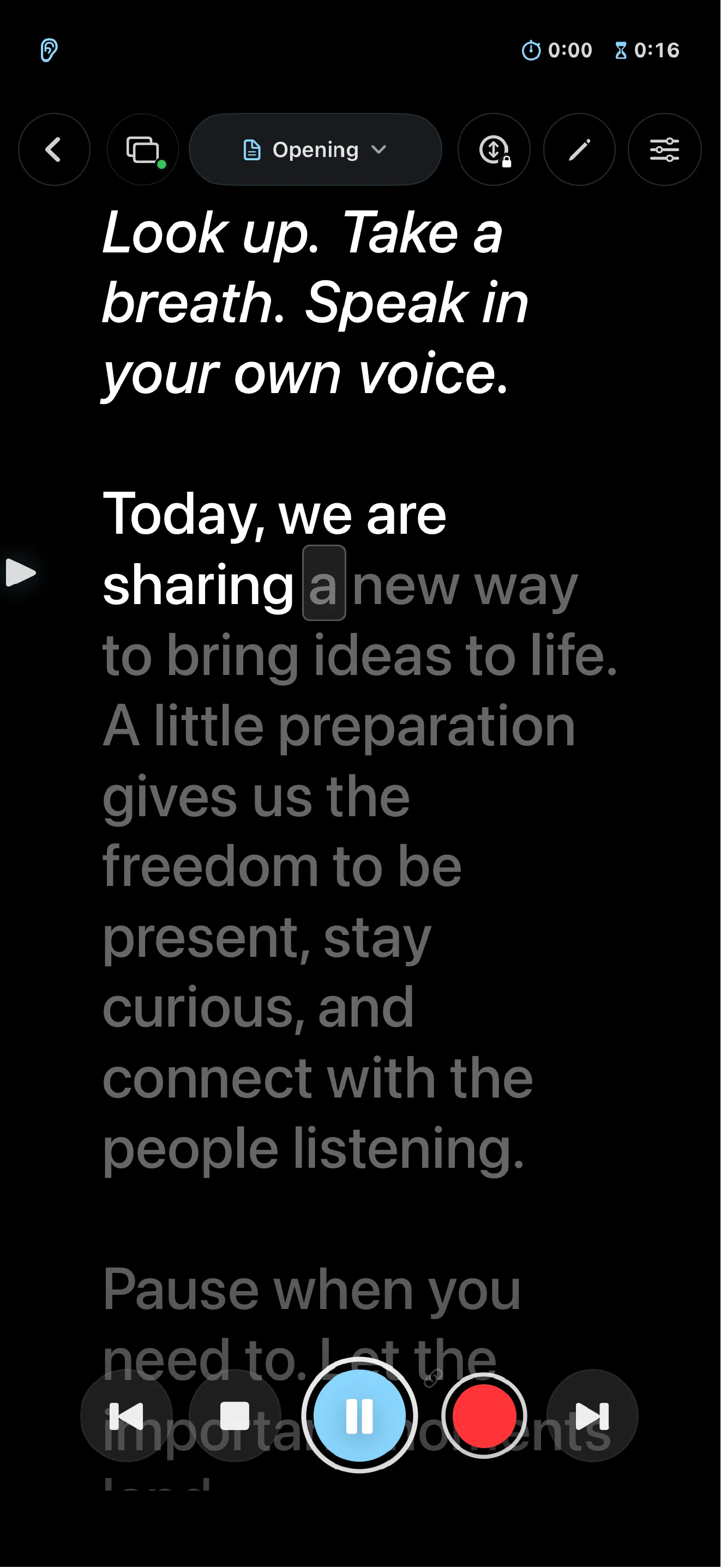
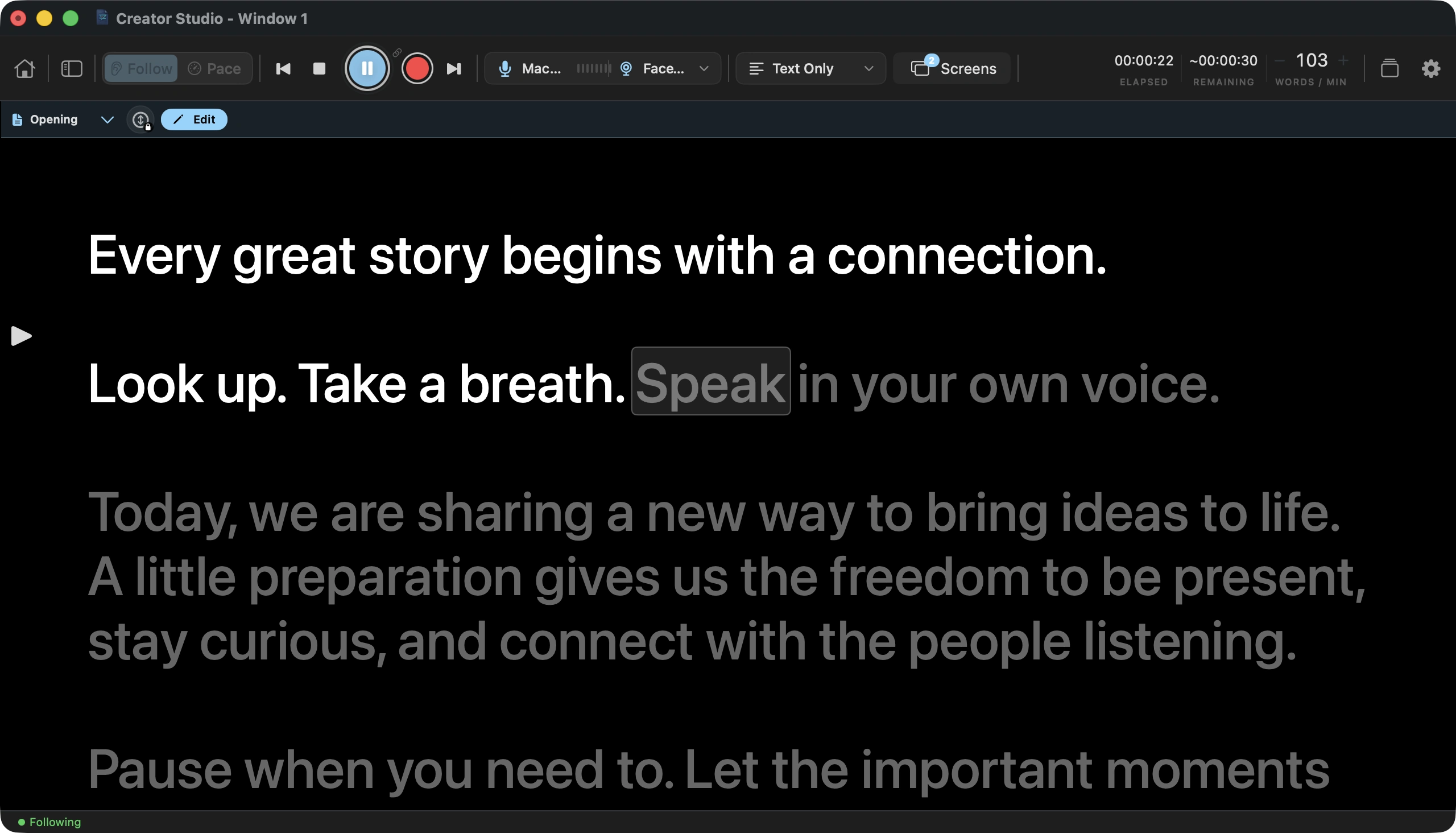
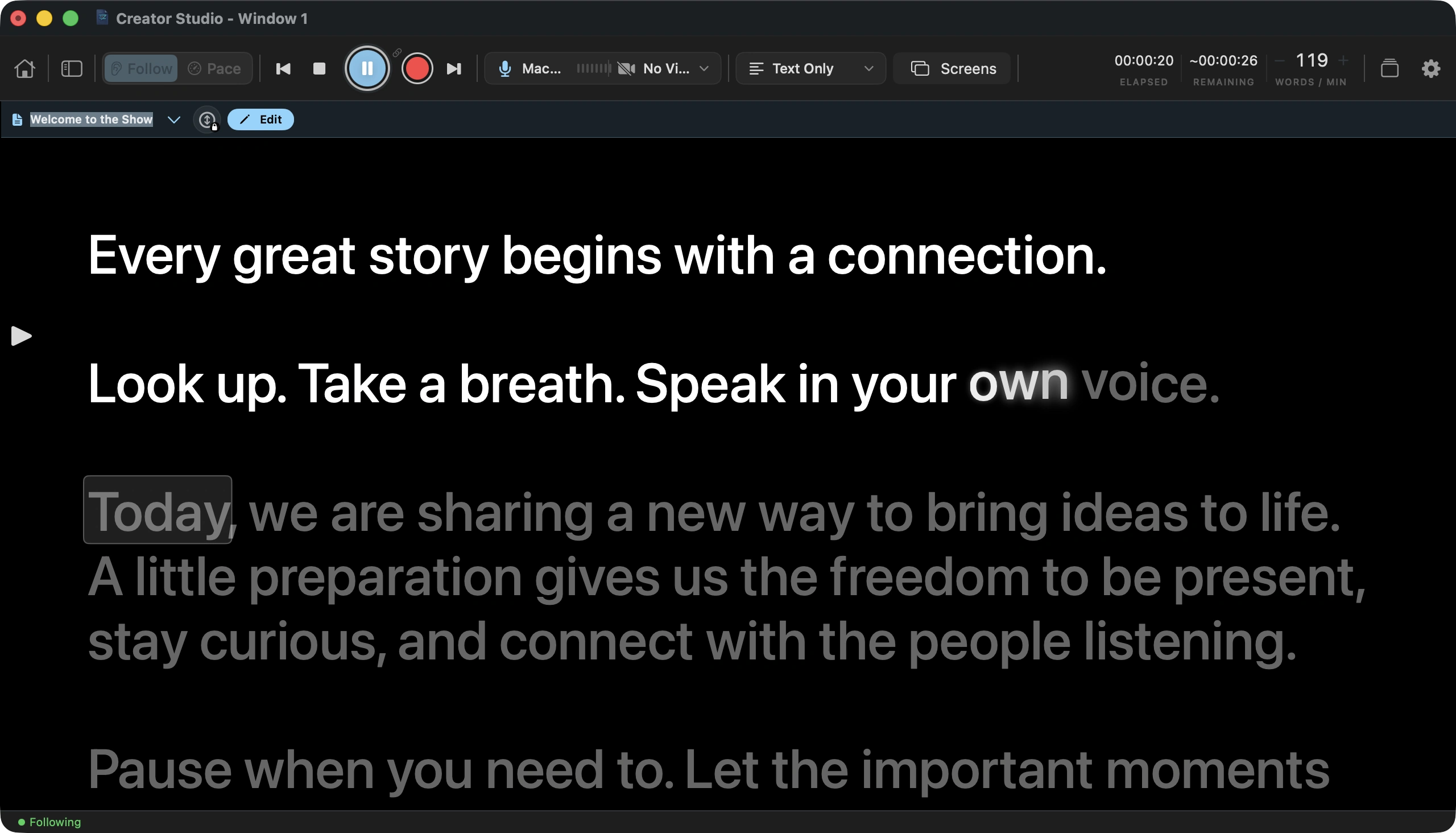
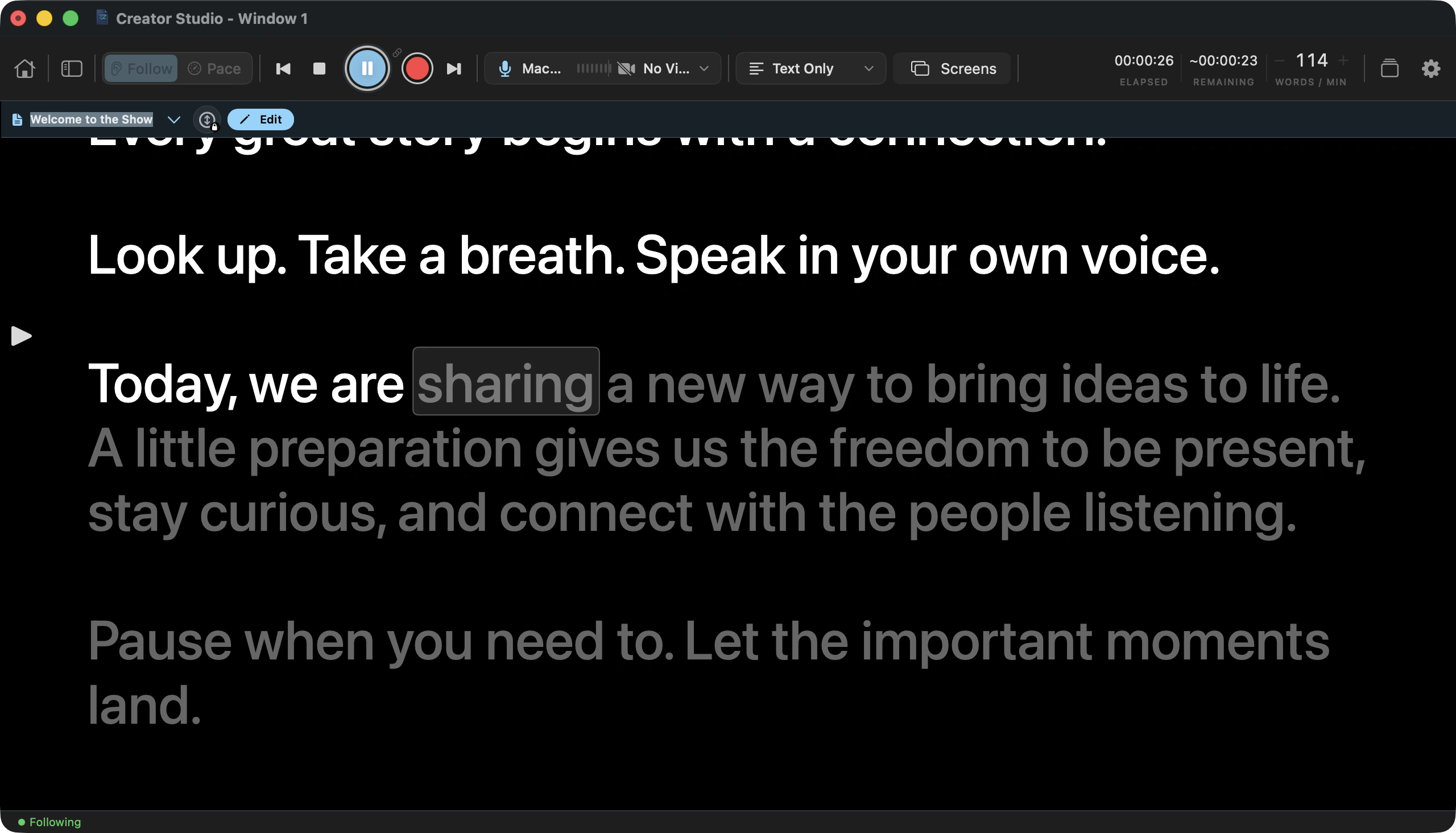
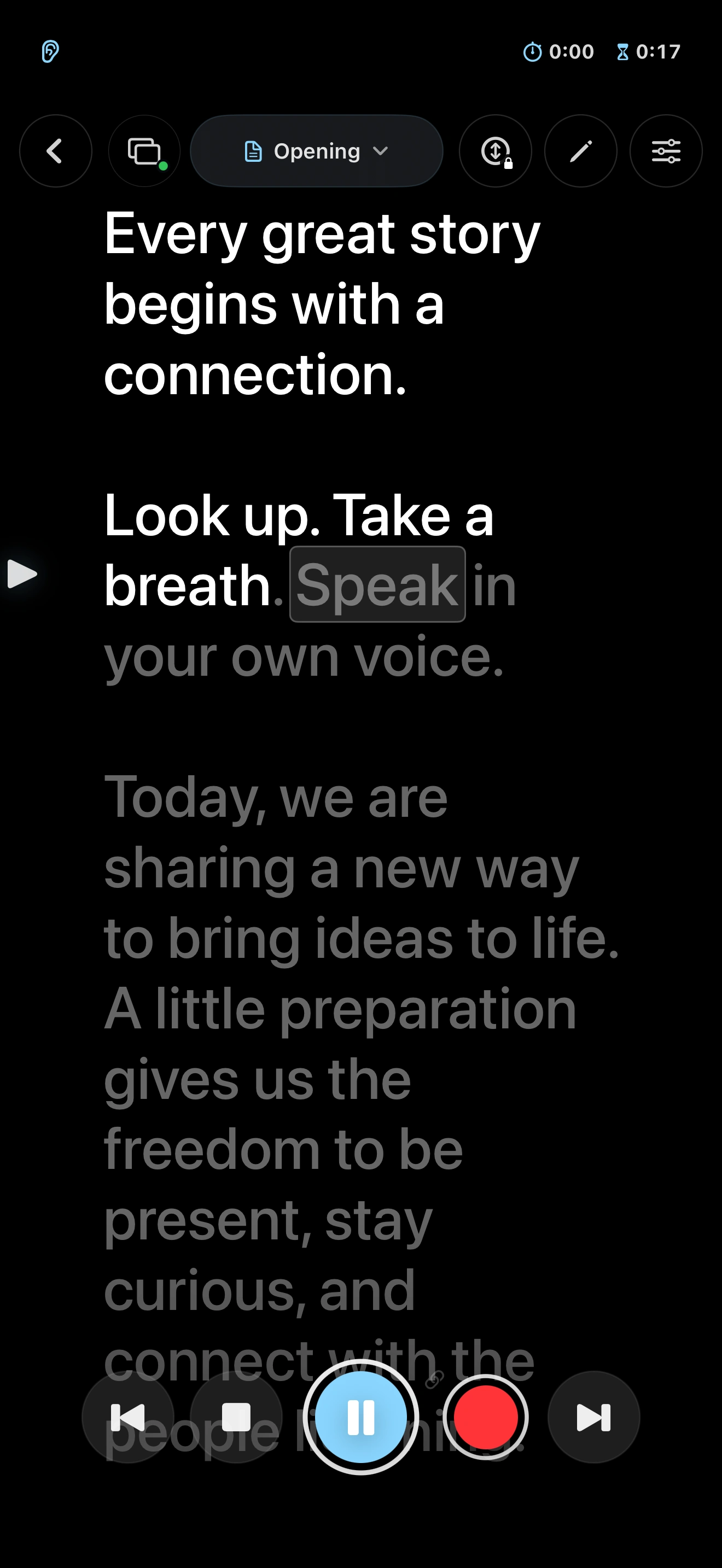
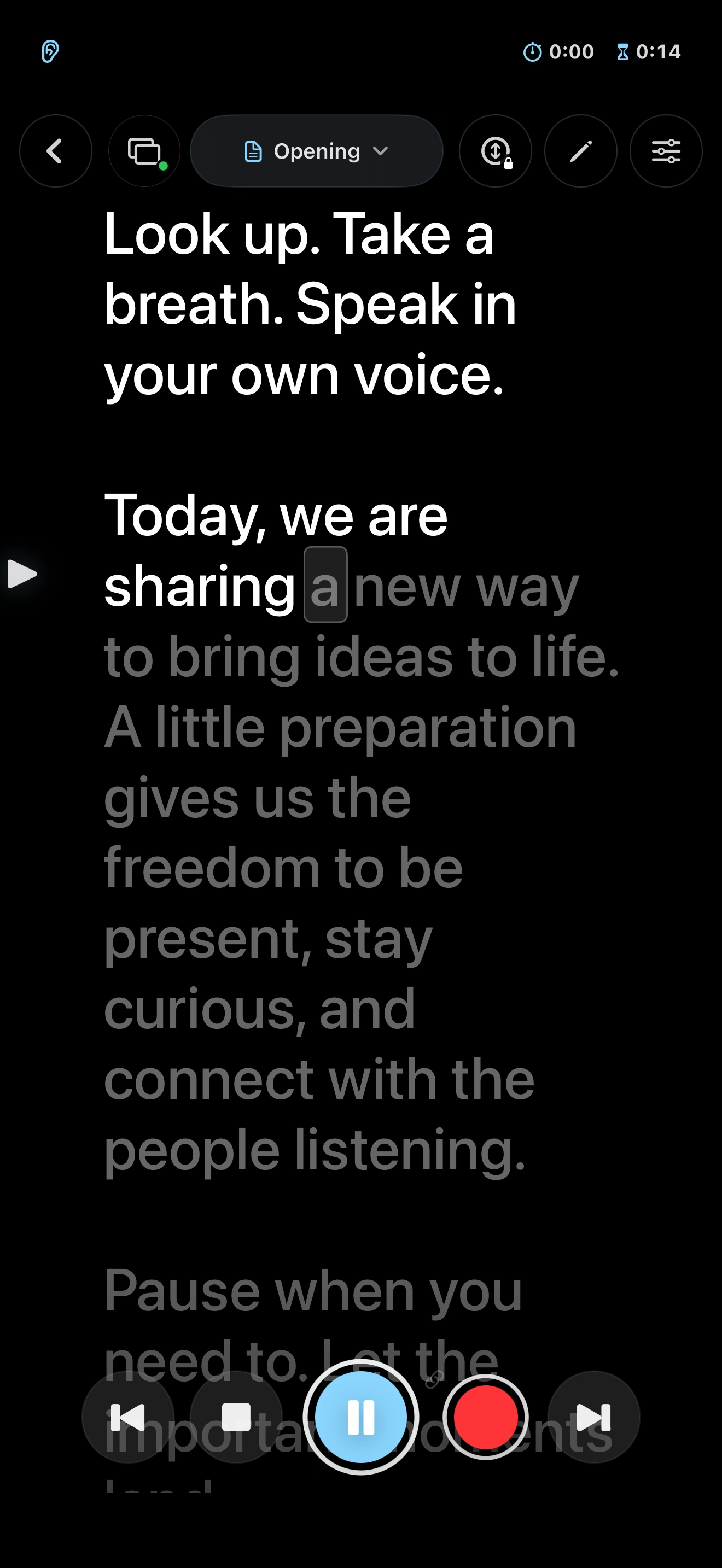
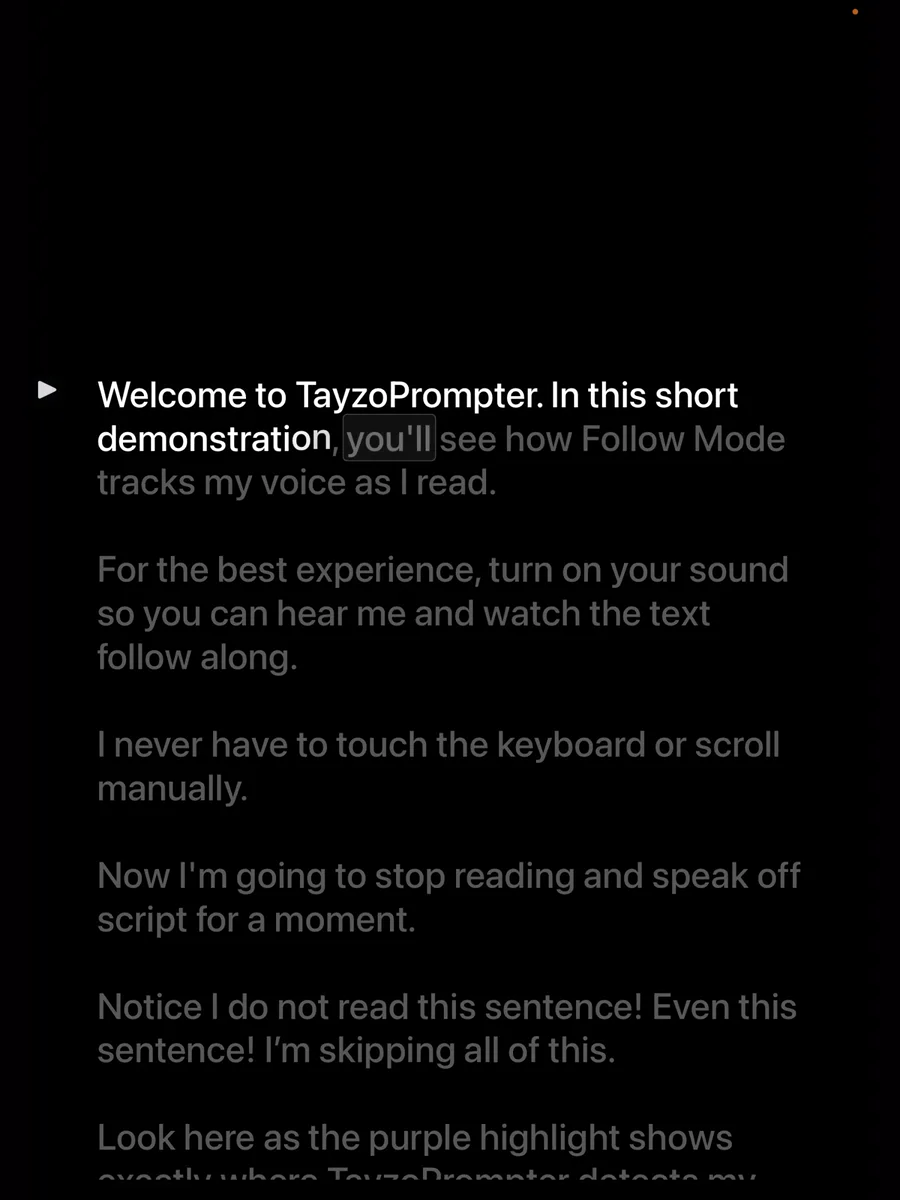
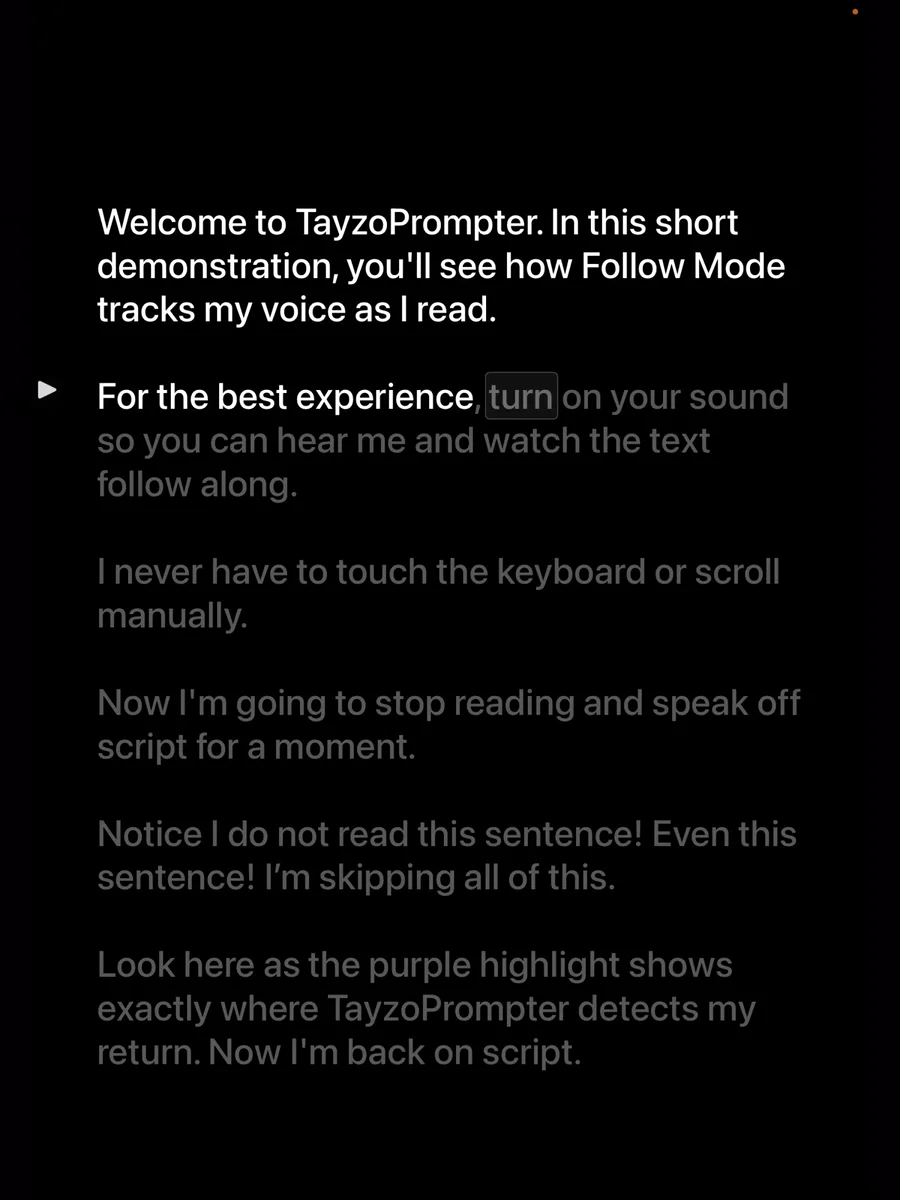
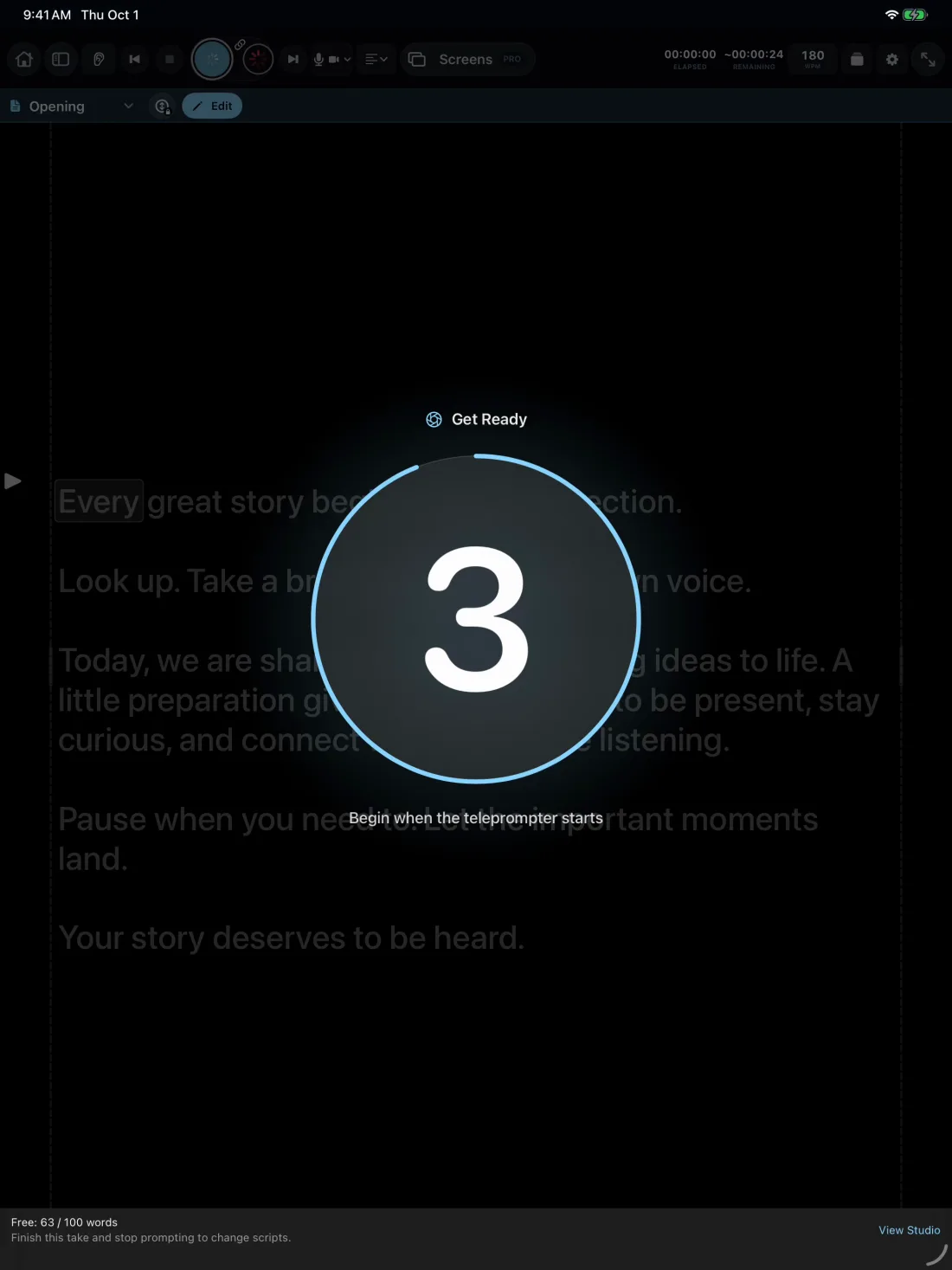
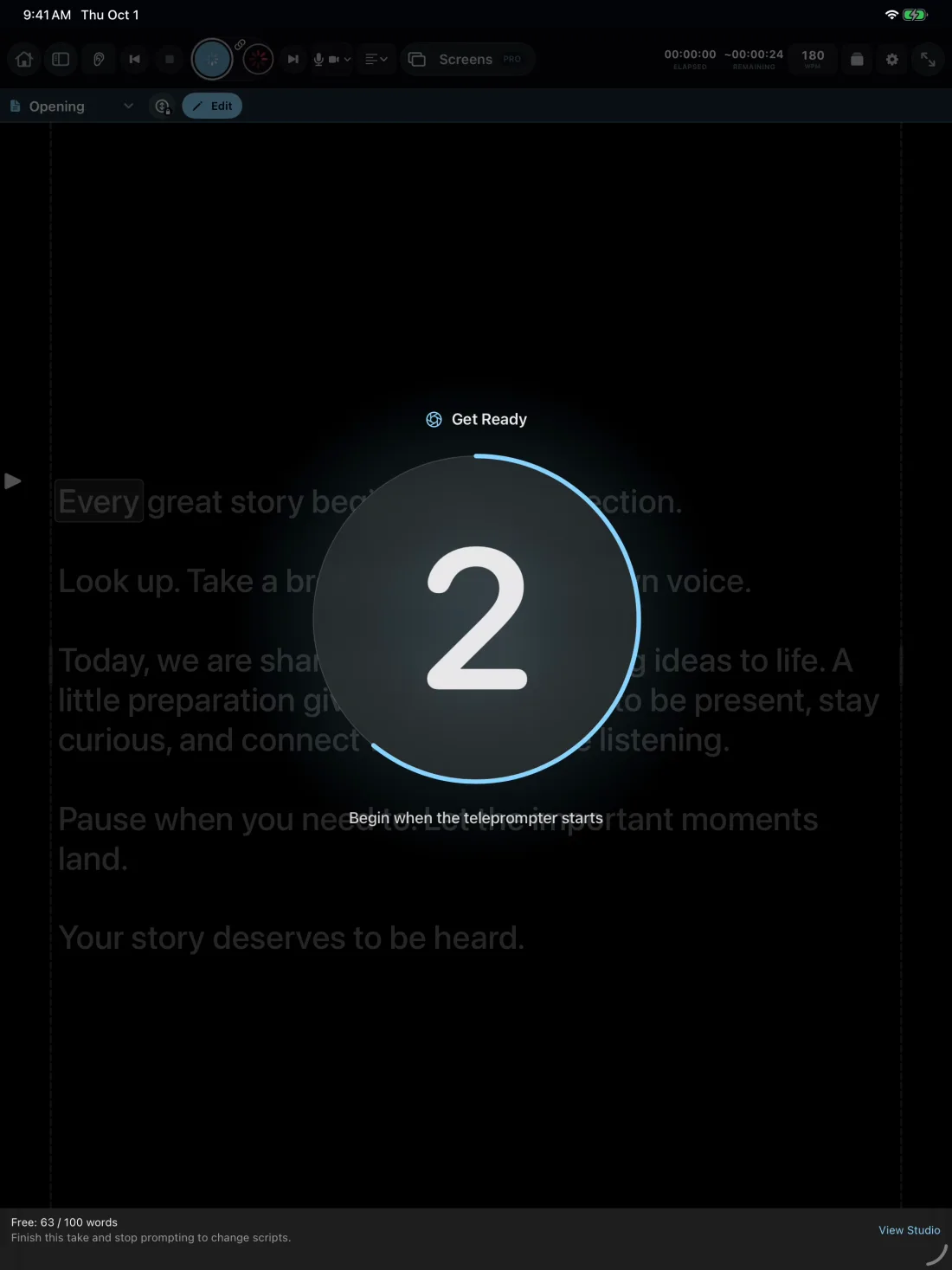
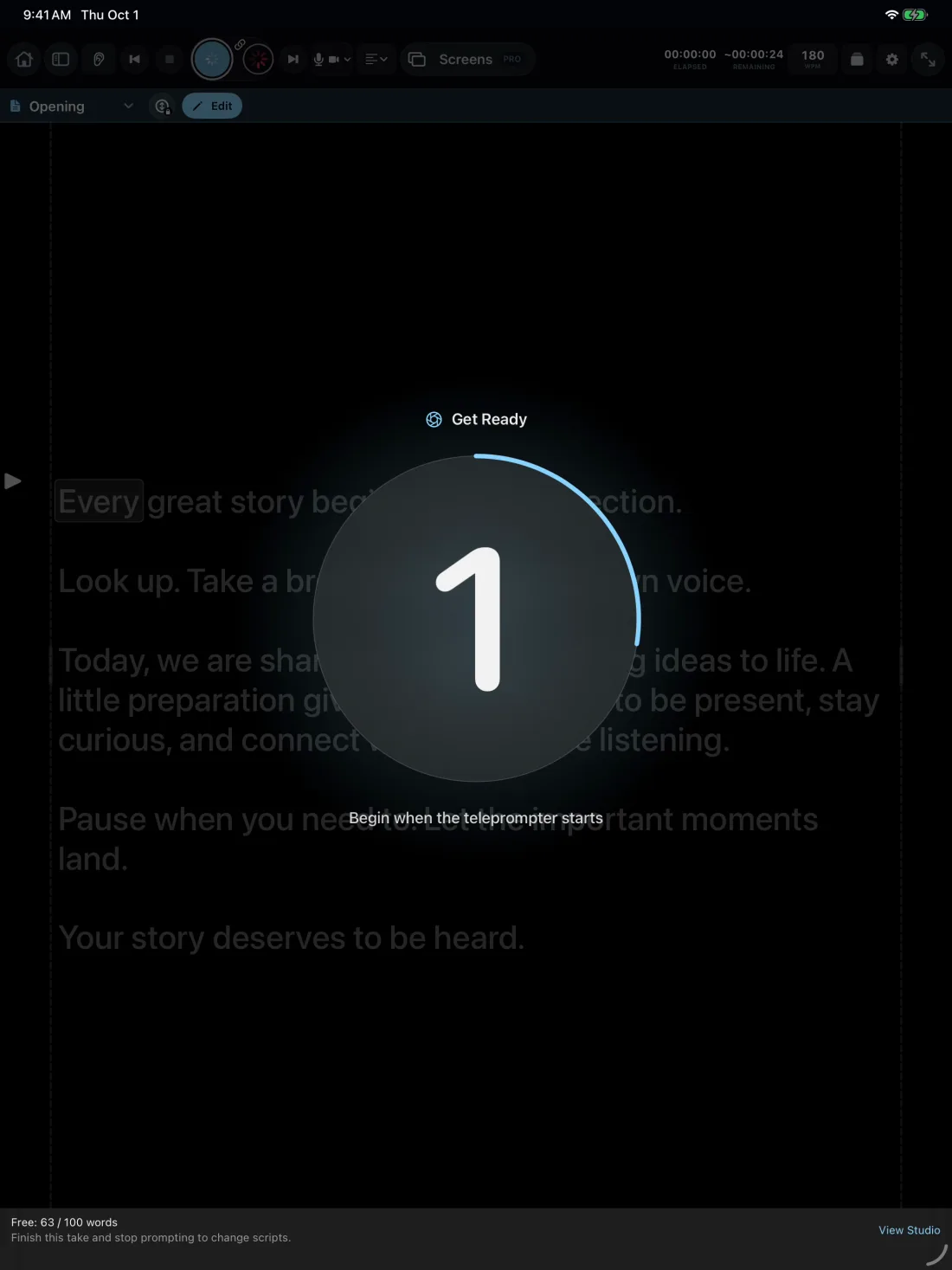
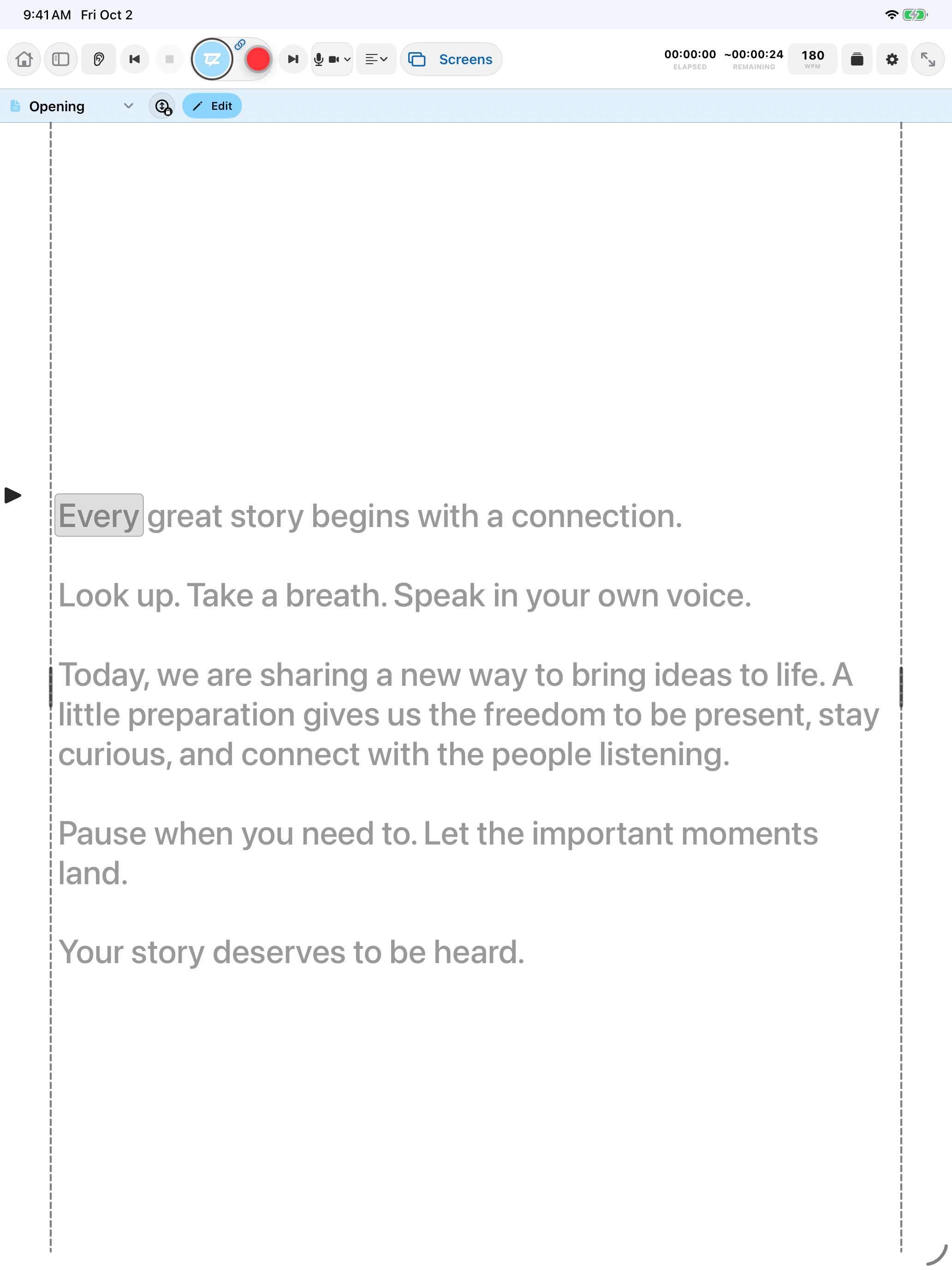
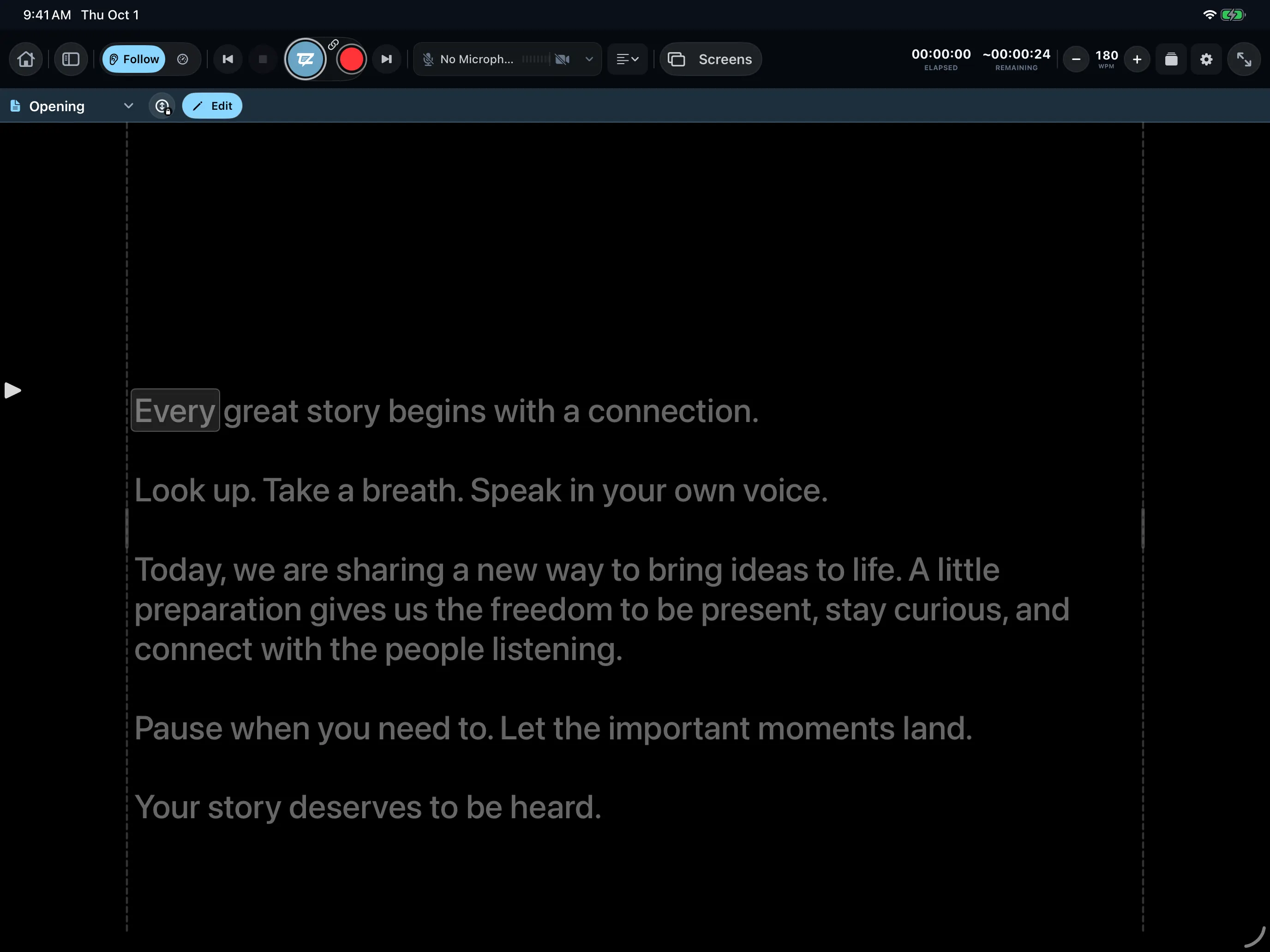
Speak, pause, or go off-script. TayzoPrompter finds your place again, so your delivery sounds like you.

Professional teleprompting on Mac + iPhone + iPad
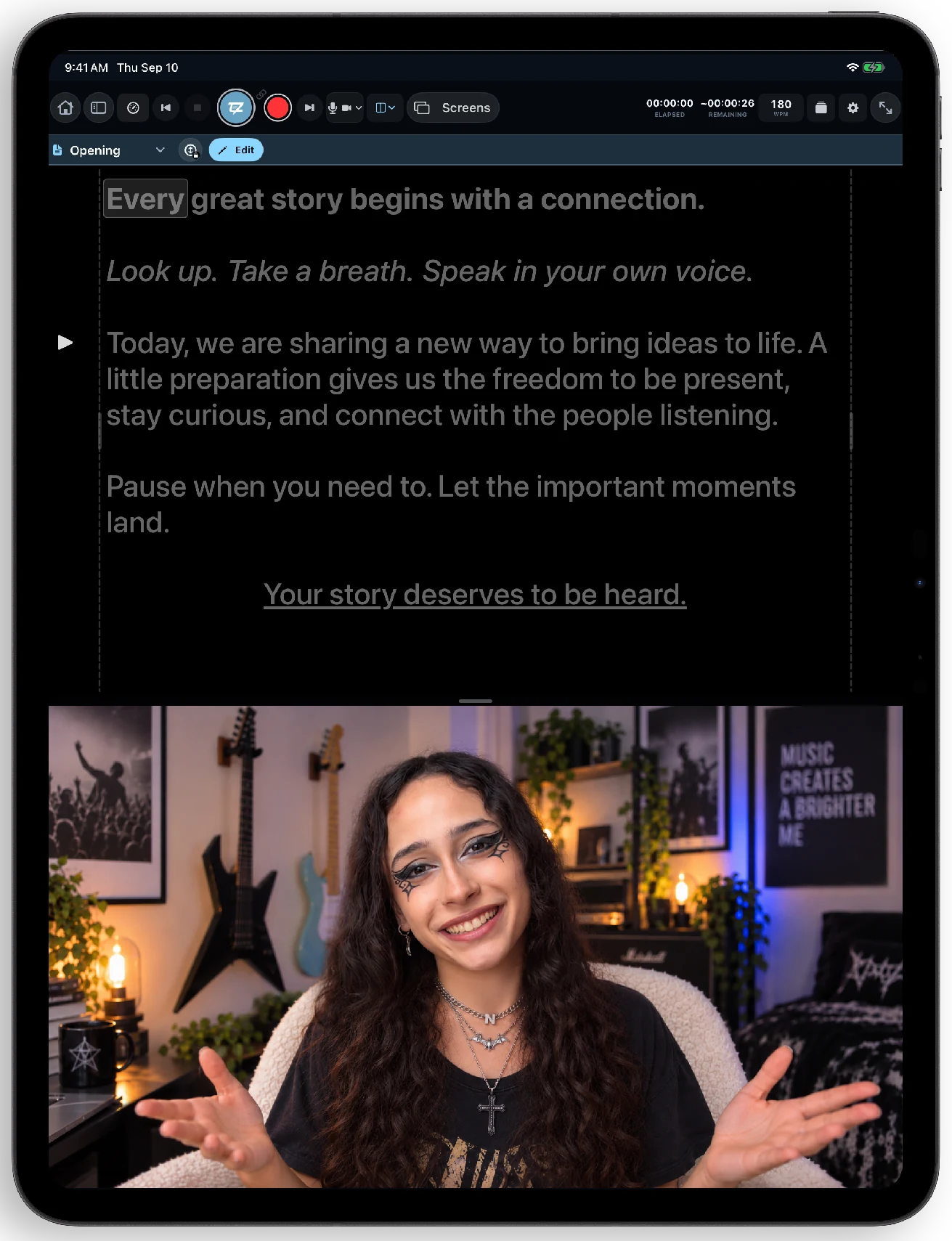
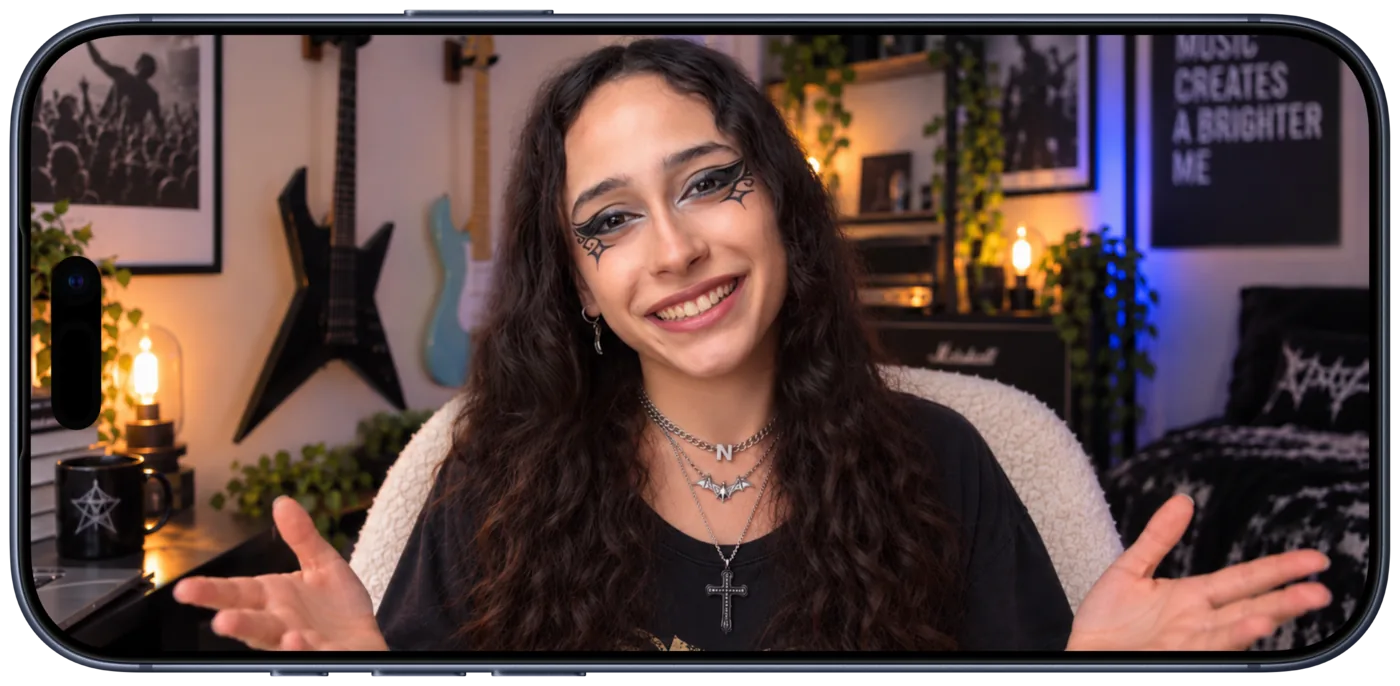
Look into the lens. Speak naturally. Record without breaking your flow. Start with one screen, then connect your devices when your production grows.
One app, your way
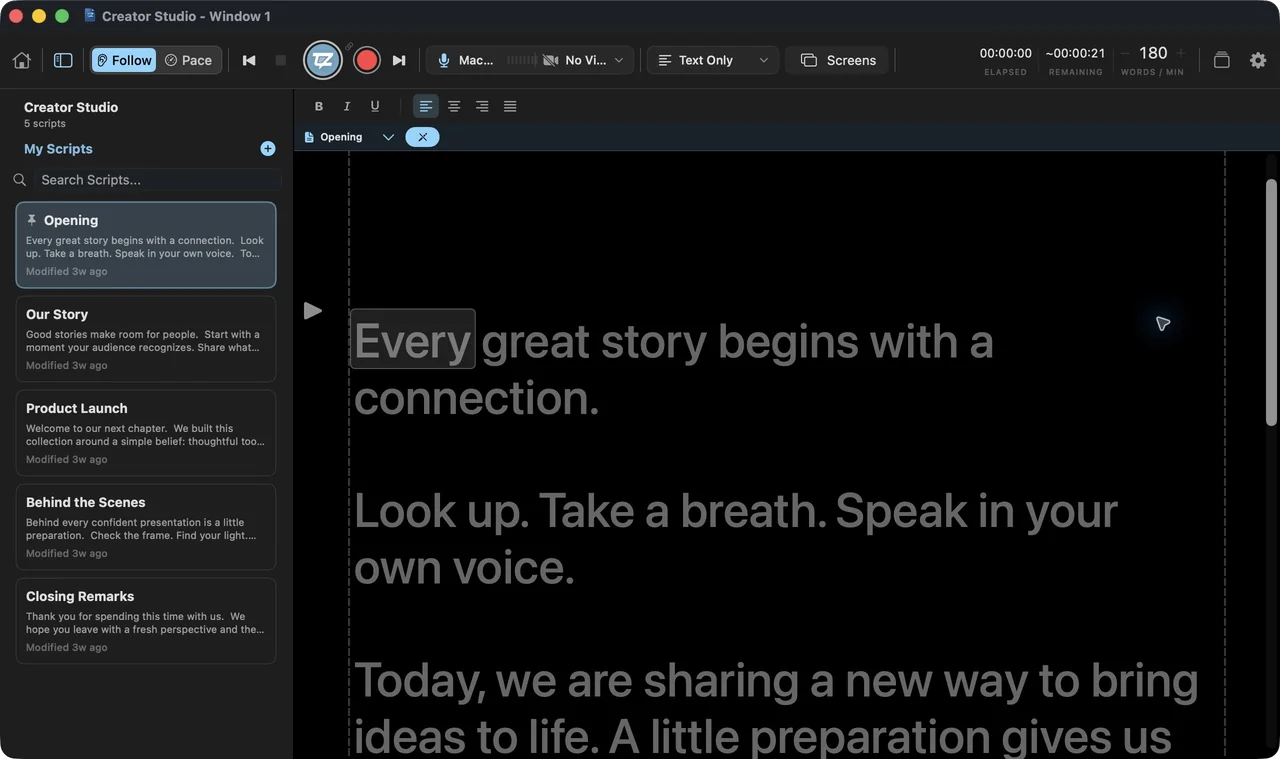
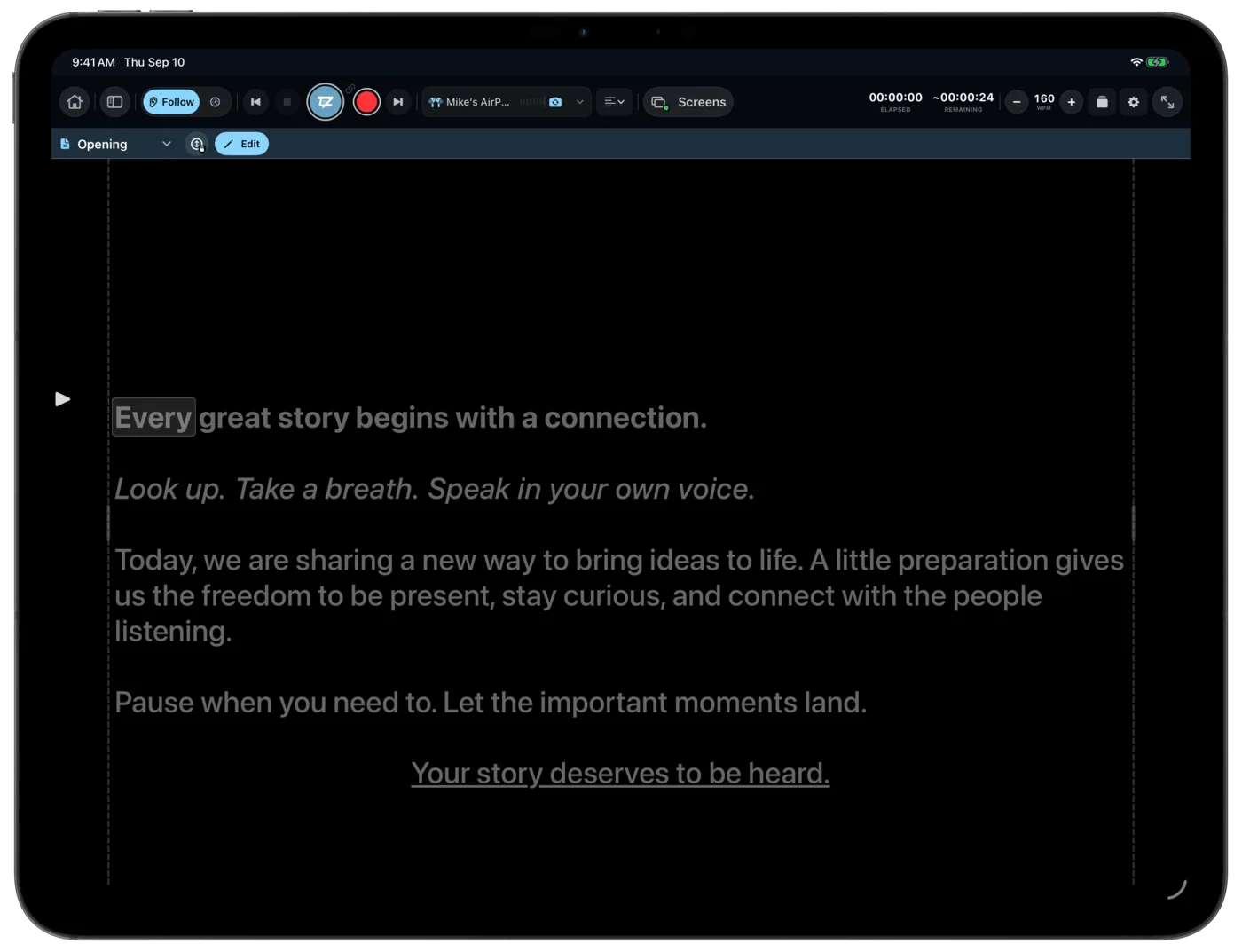
Your script follows your voice while you record. Start with one screen, then connect more to control or monitor your recording. Find and review it when you're done.
Speech Follow + Pace Mode · Free
Speak, pause, or go off-script. TayzoPrompter finds your place again, so your delivery sounds like you.
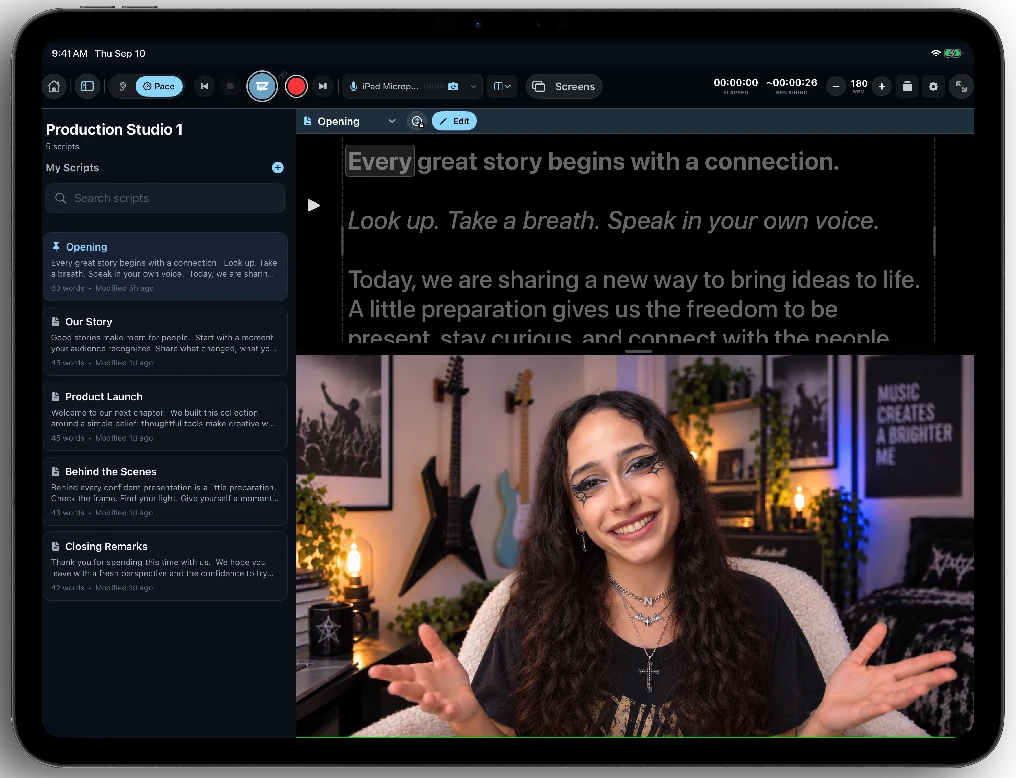
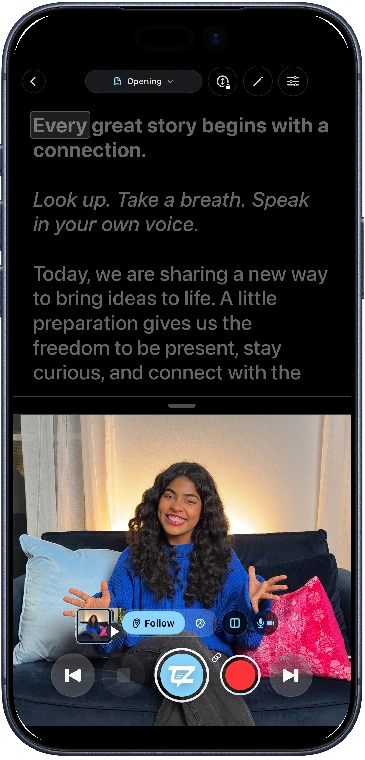
iPhone teleprompter · Free
See your words and camera together. Make your next recording feel easier.
Tayzo Commands · Free
Start, pause, or record with your voice. Stay in the frame and keep going.
Flexible layouts · Free
Put the script beside or over your camera view. Make the screen yours.
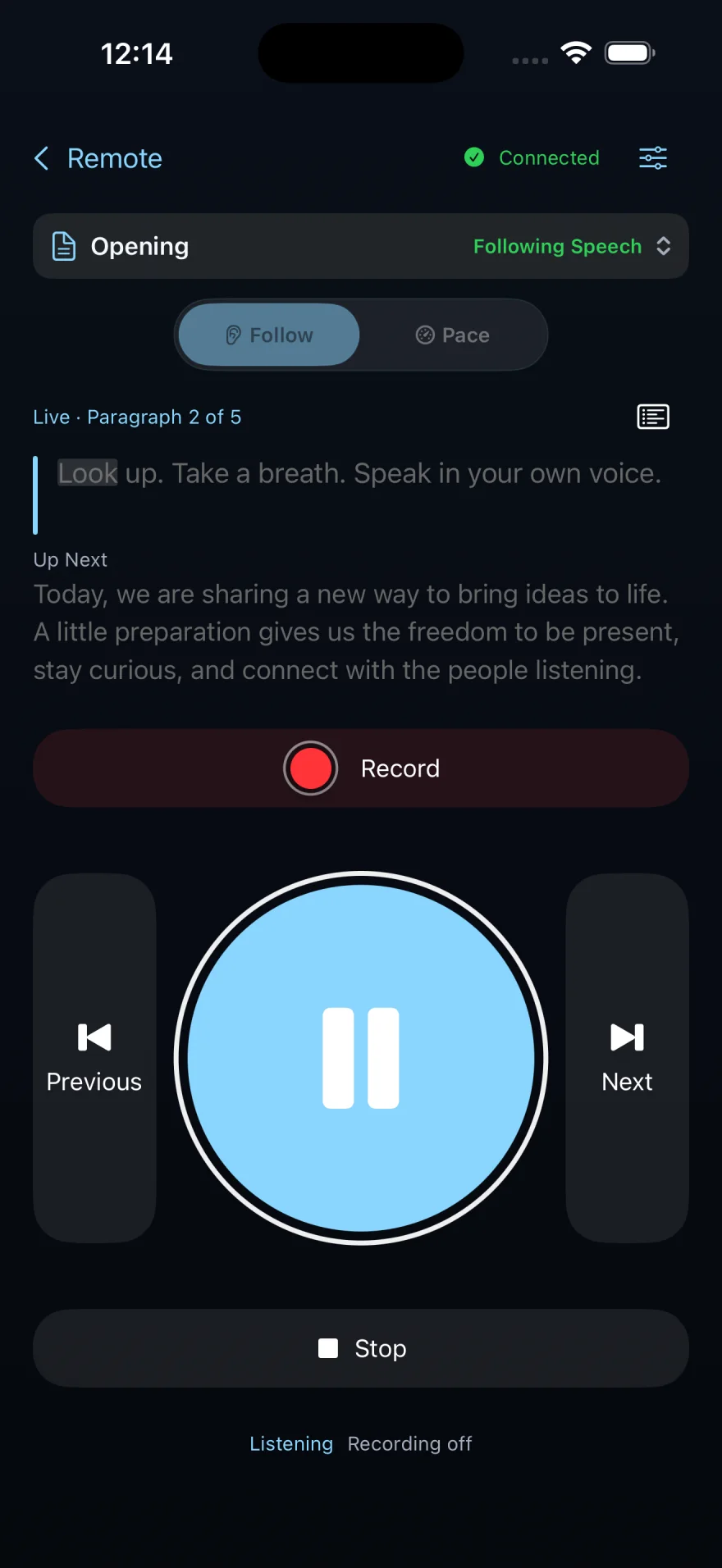
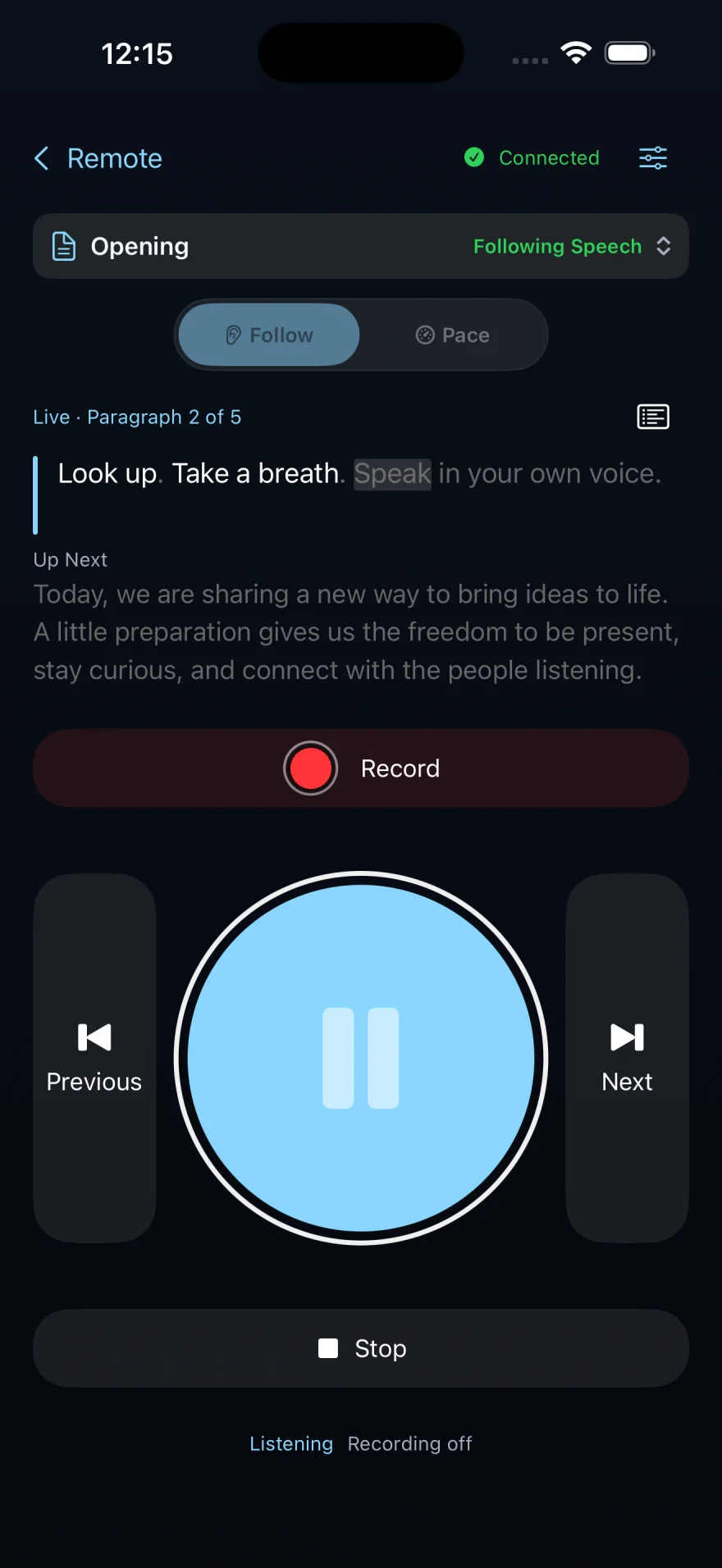
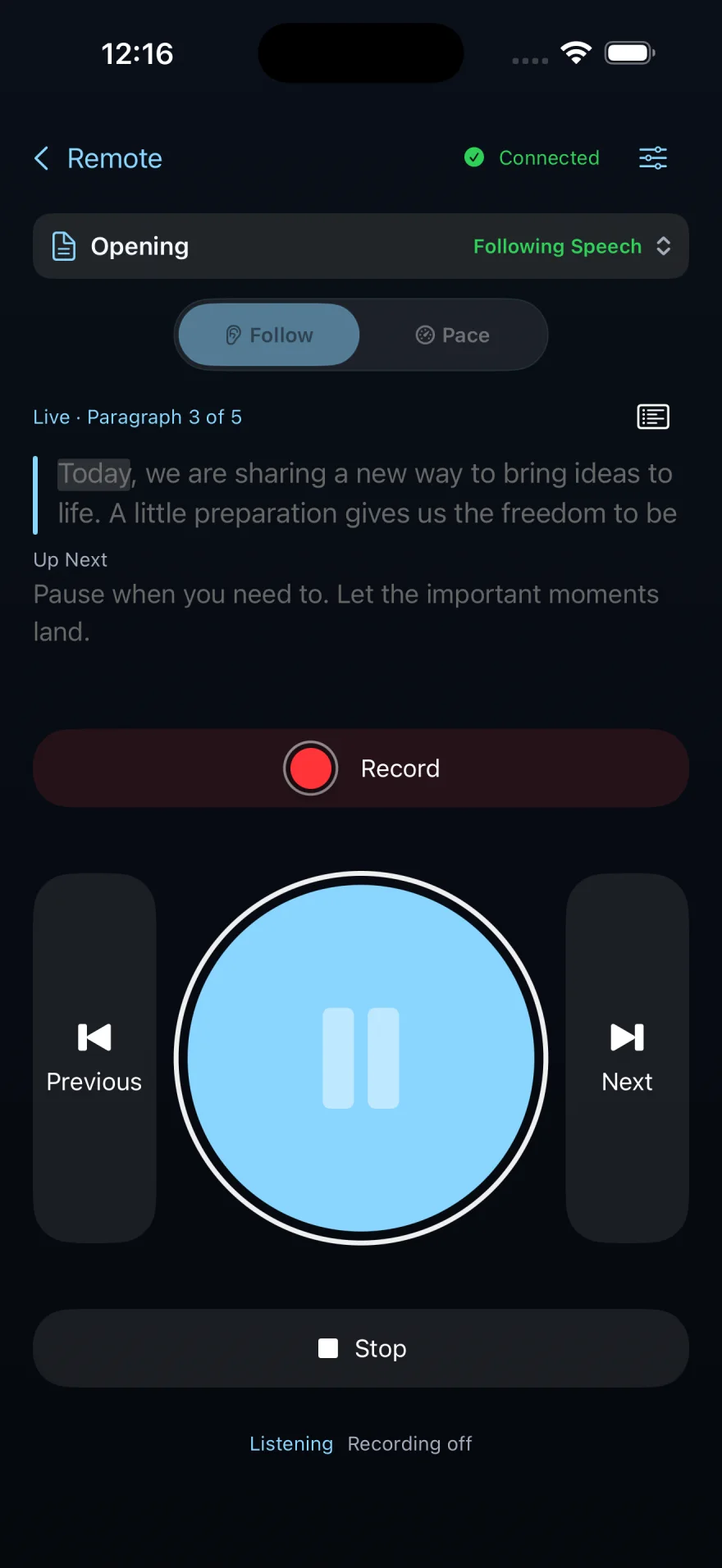
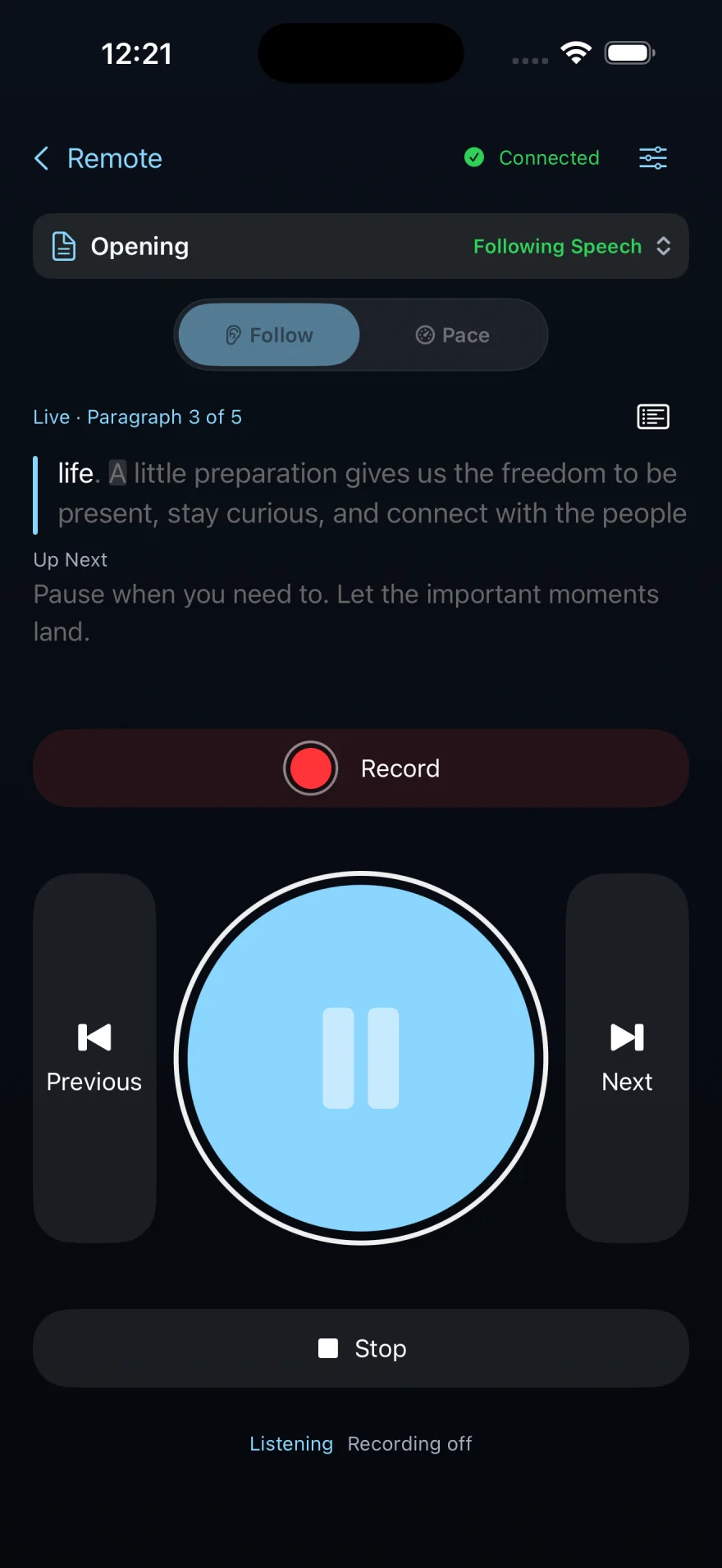
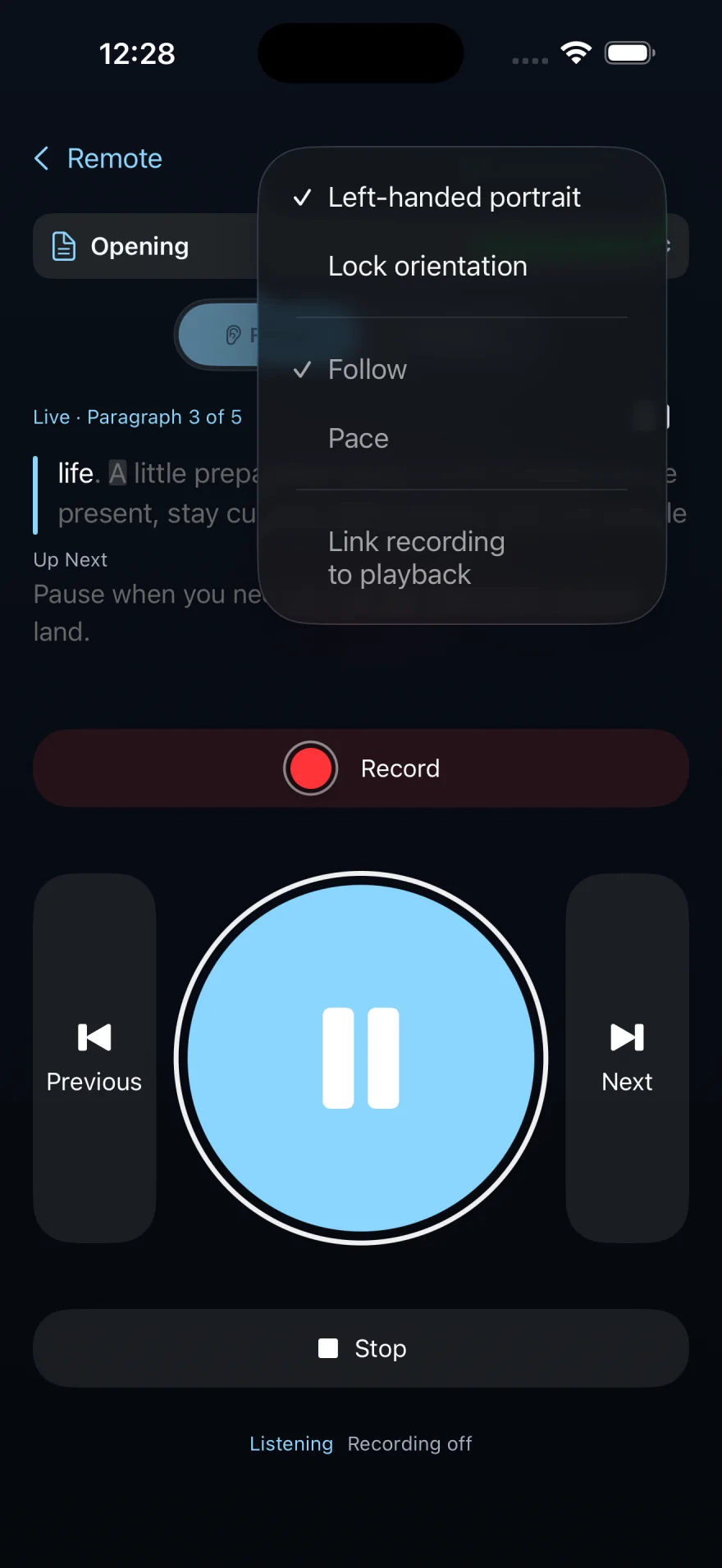
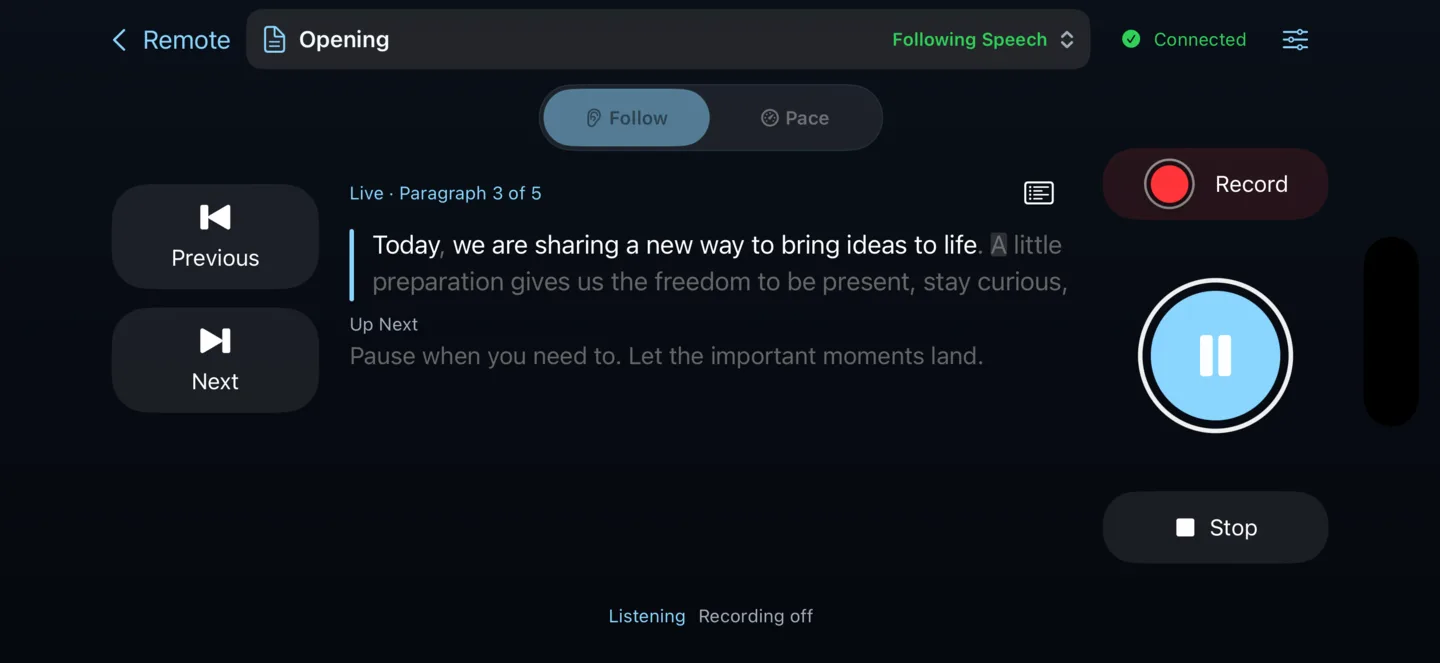
Remote control · Pro on iPhone
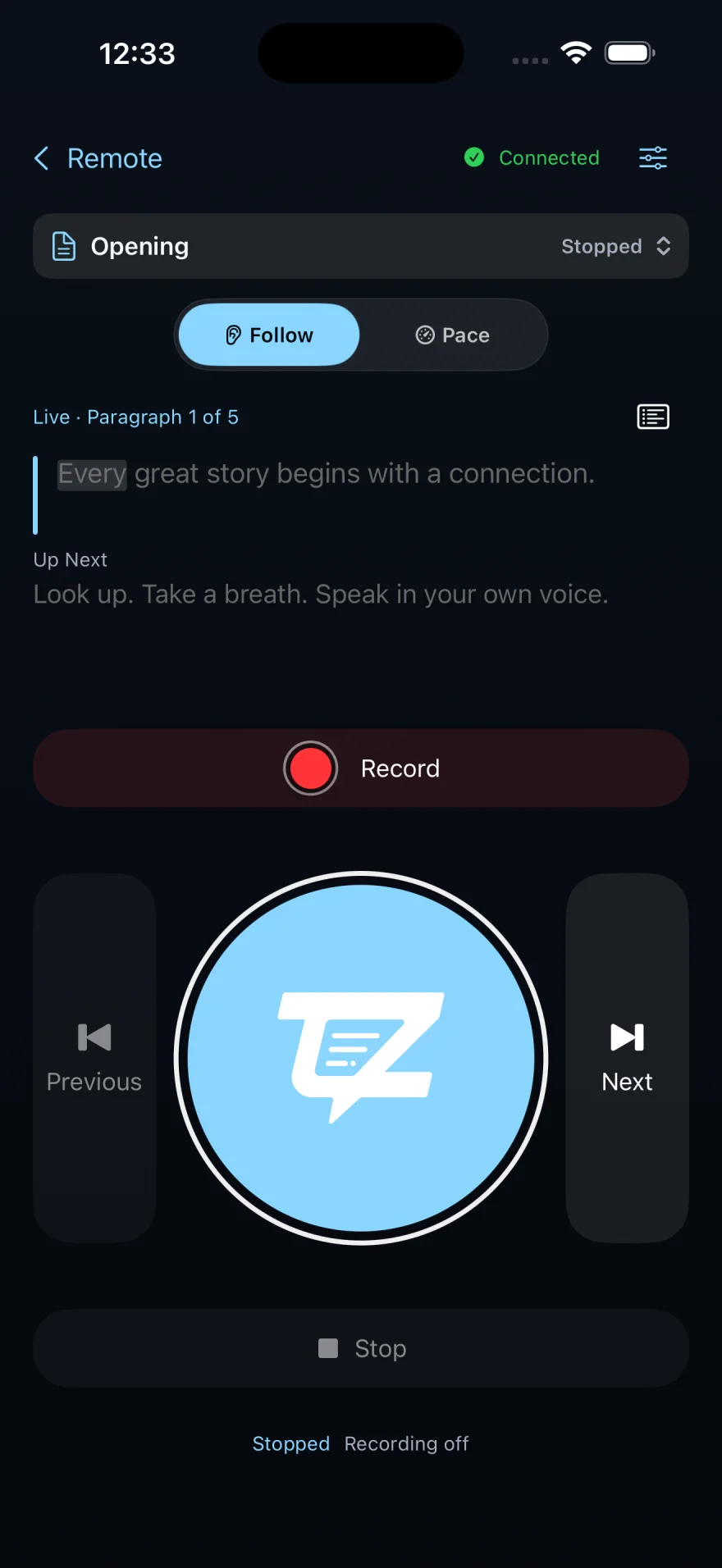
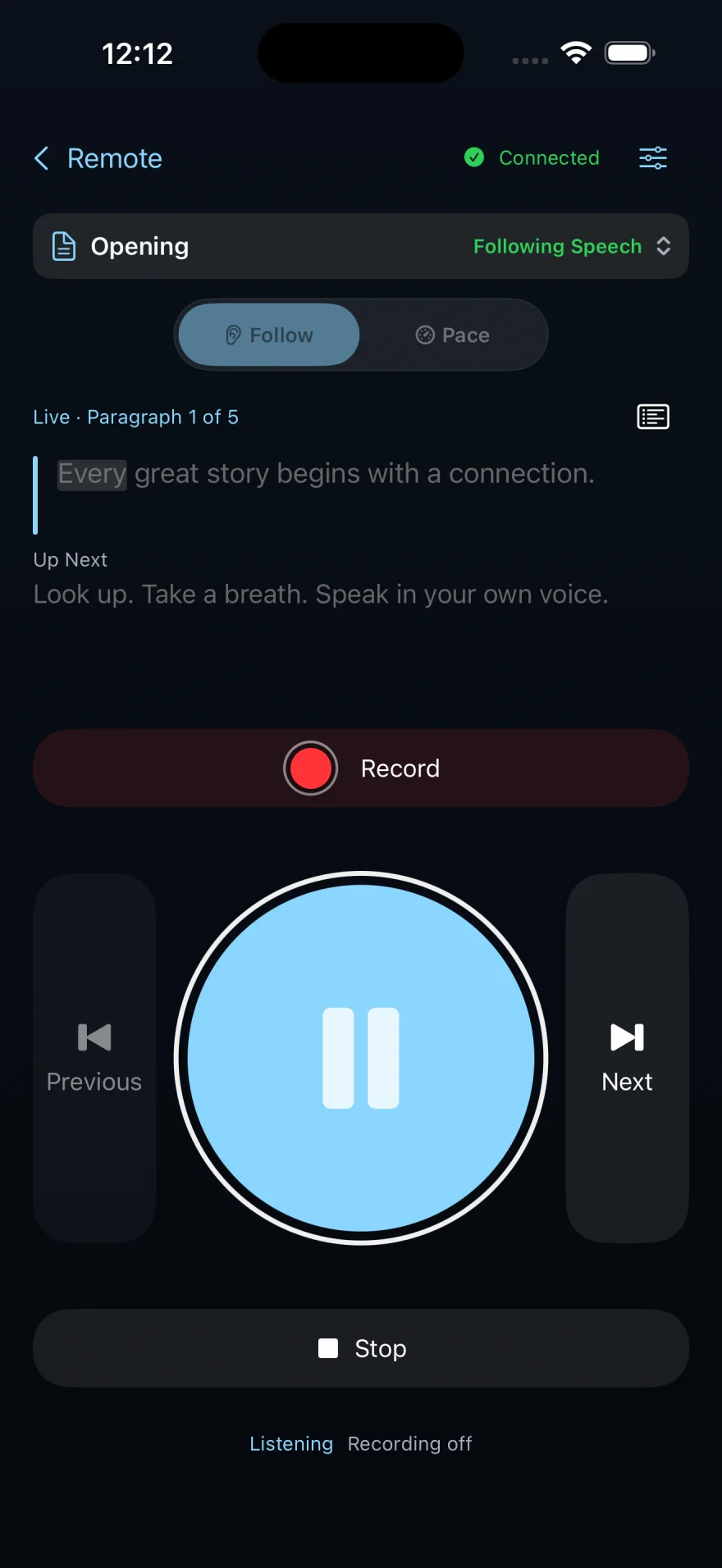
Control a Mac production from iPhone. See the live script cue advance as talent speaks.
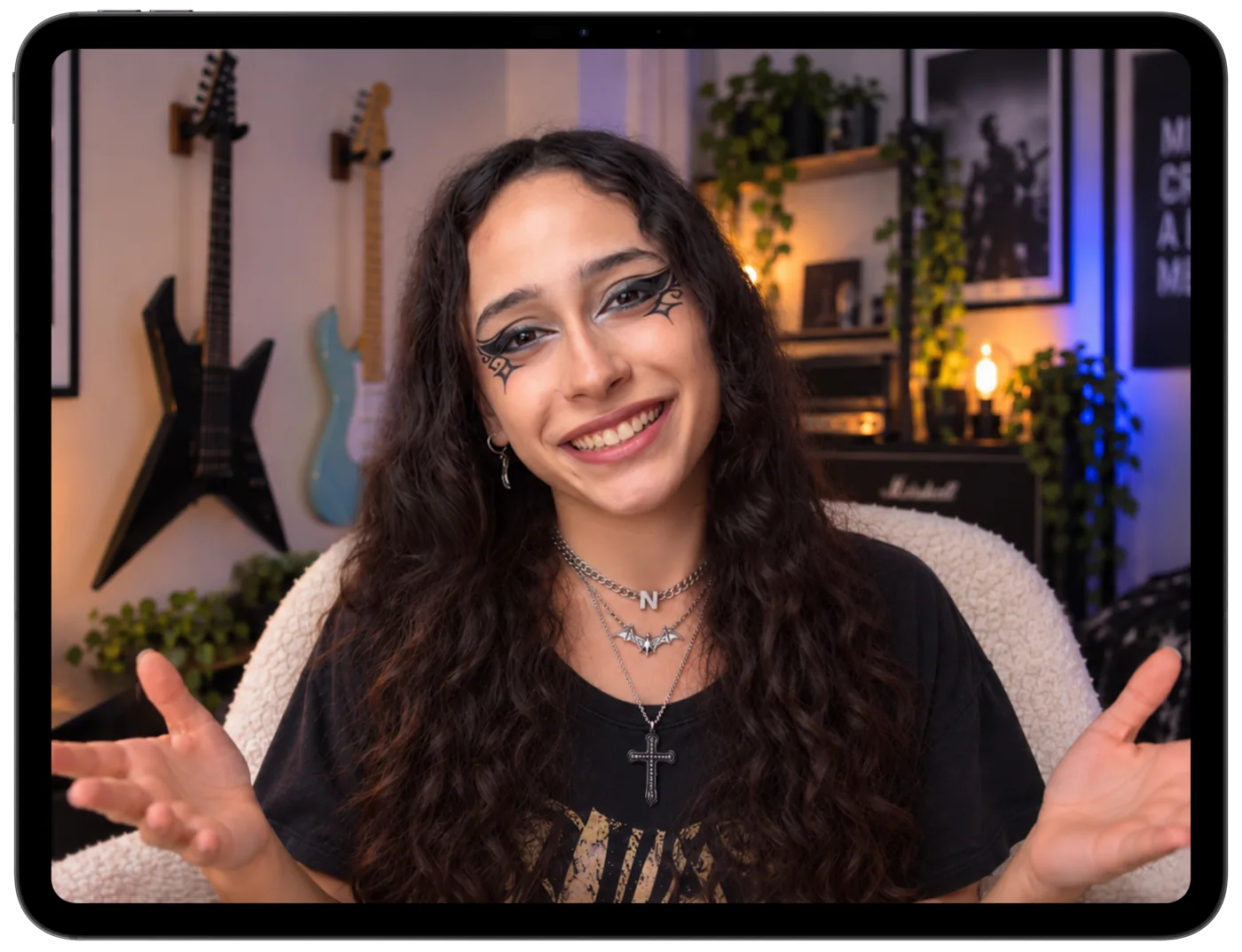
Live monitoring · Pro on iPad
Use an iPad as a live video monitor while your iPhone records.
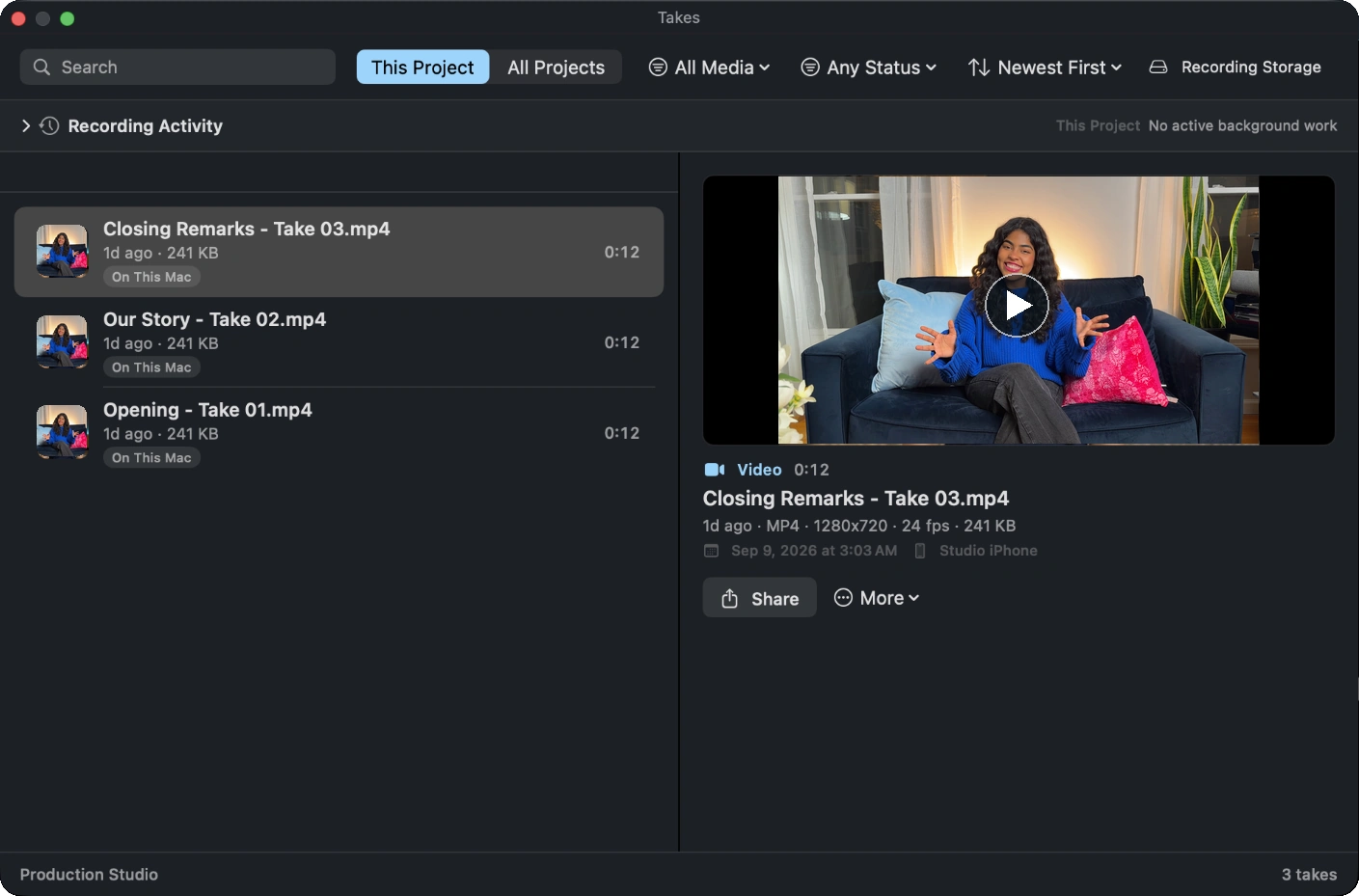
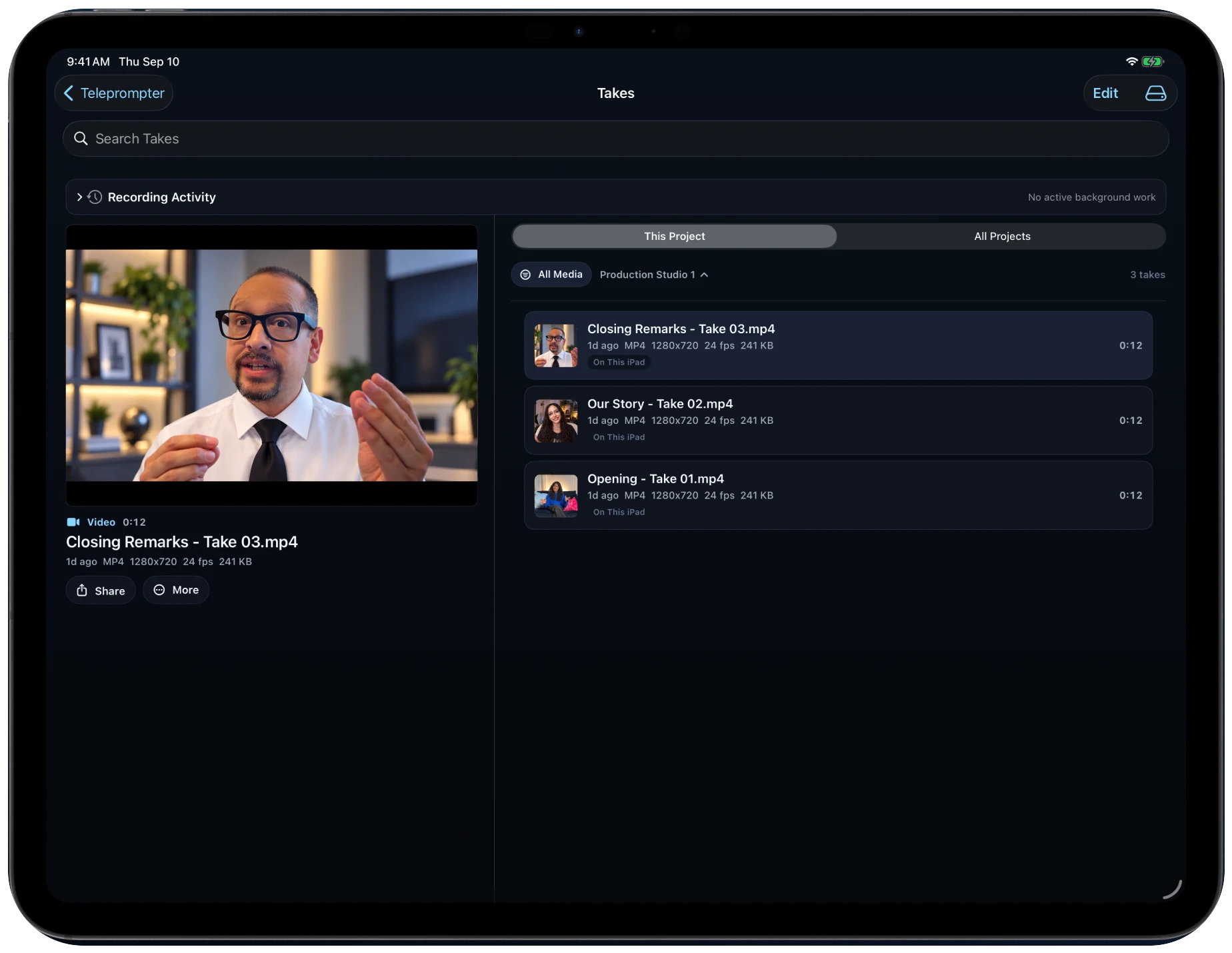
Your recordings · Studio + Pro
Find the recording you want, review it, and share it from your project.
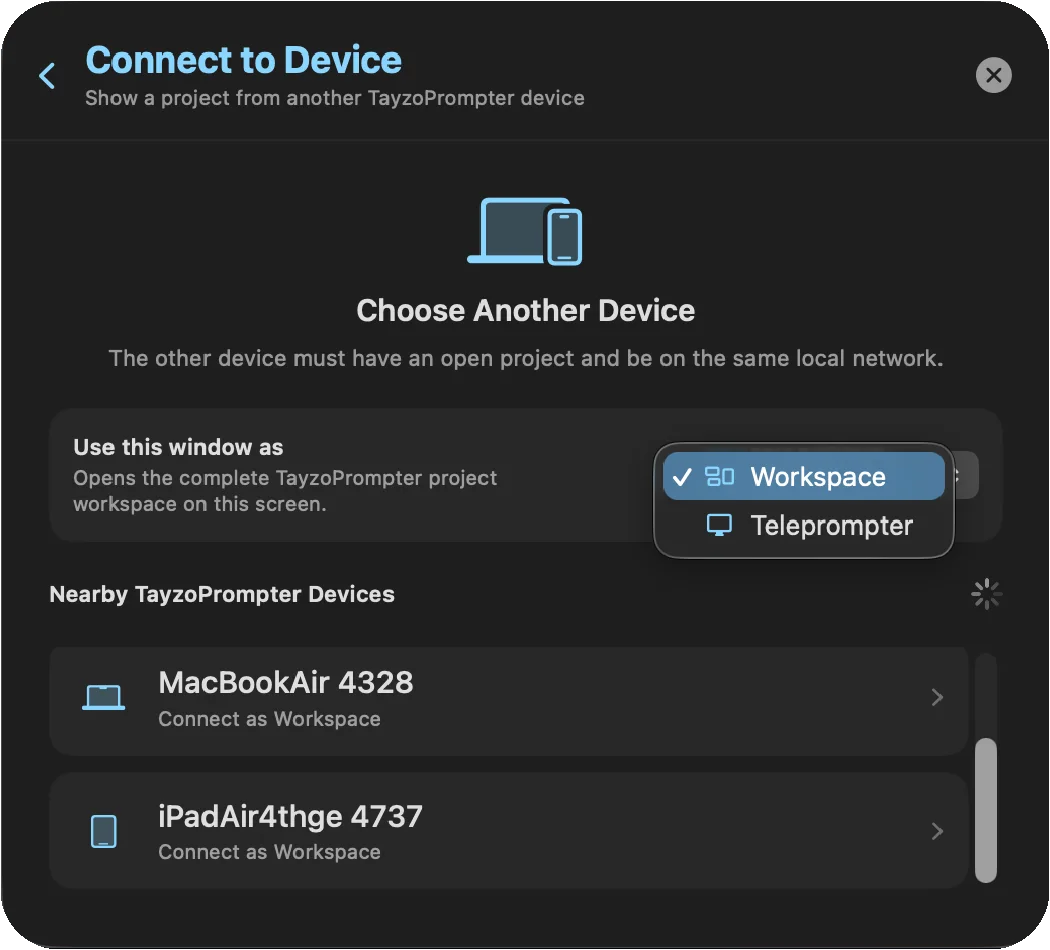
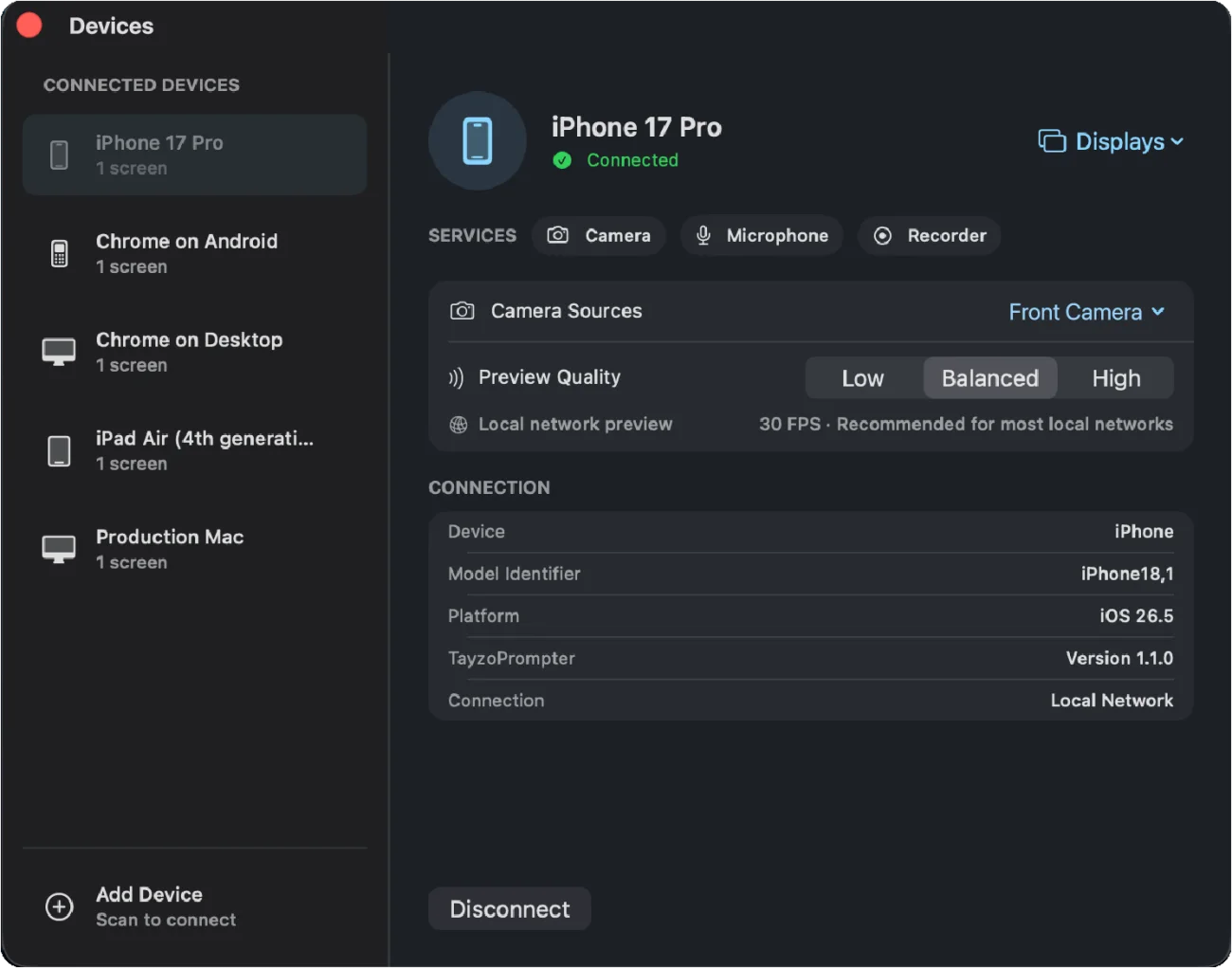
Connected sessions · Pro on Mac
Choose a role for each screen and bring the team together.
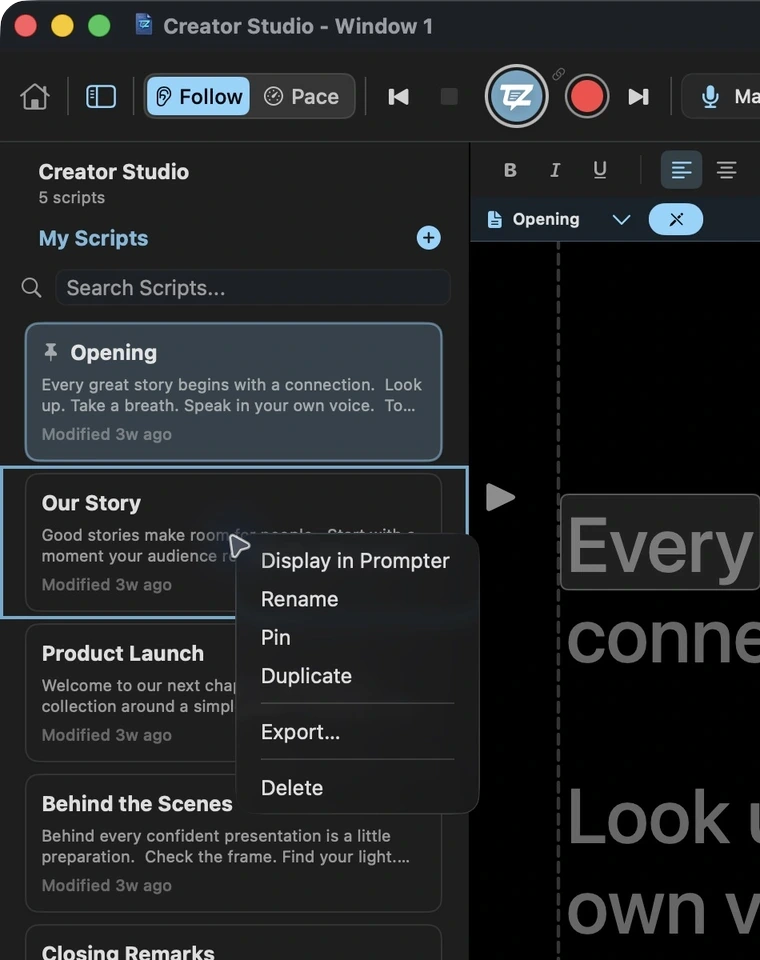
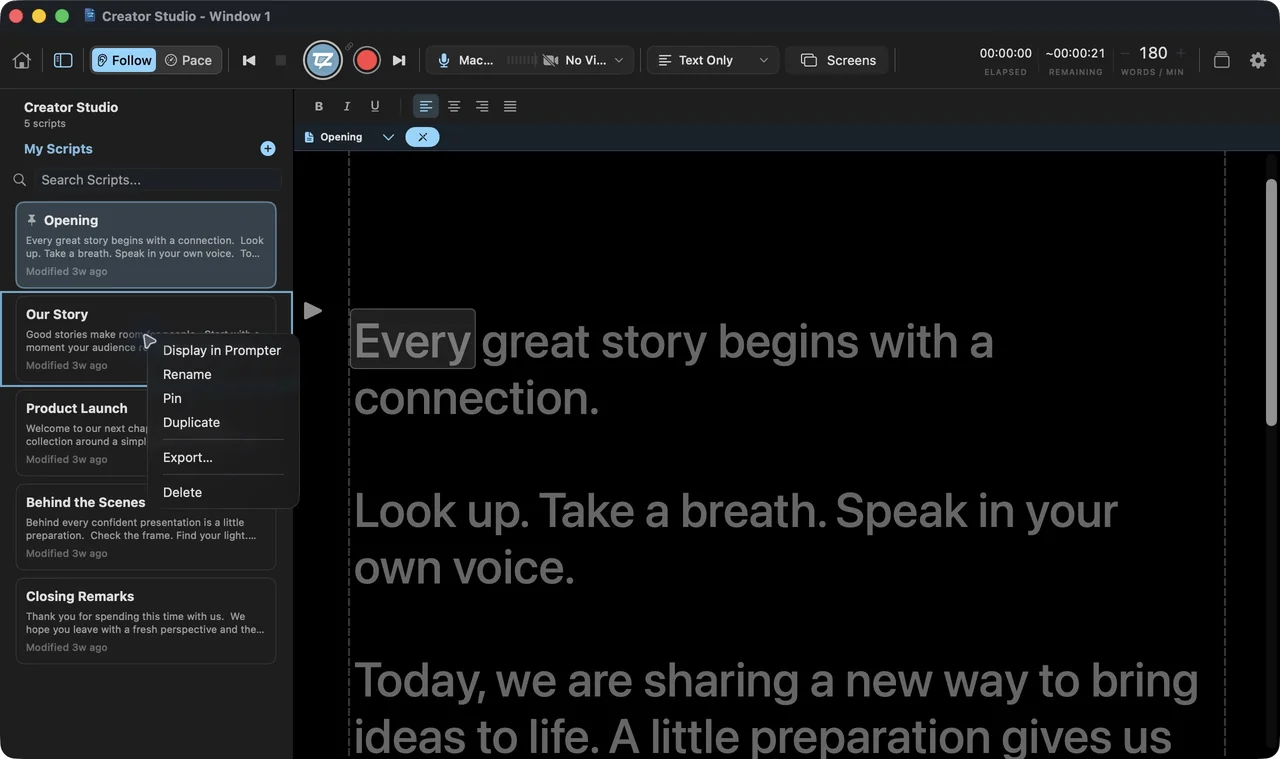
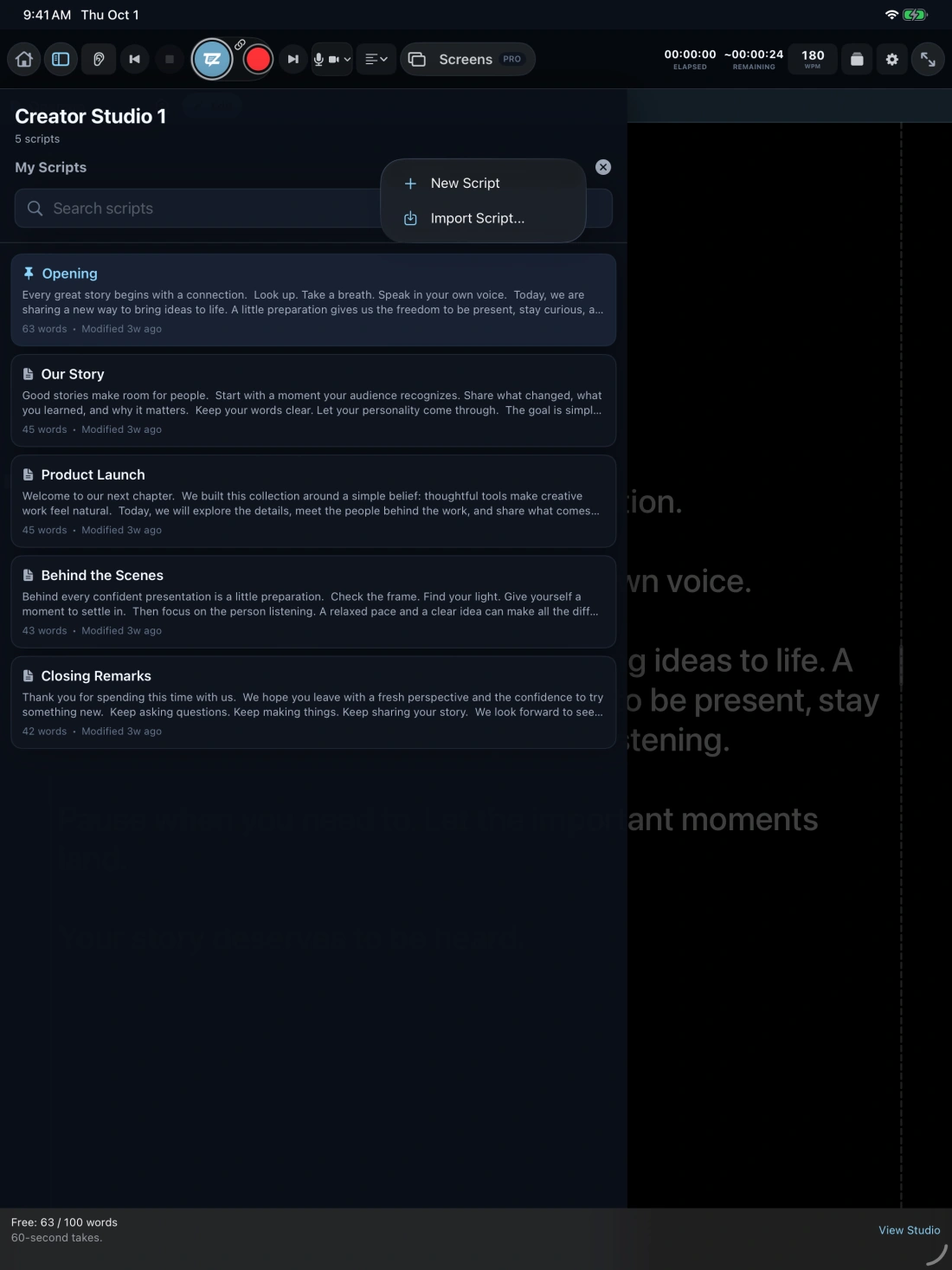
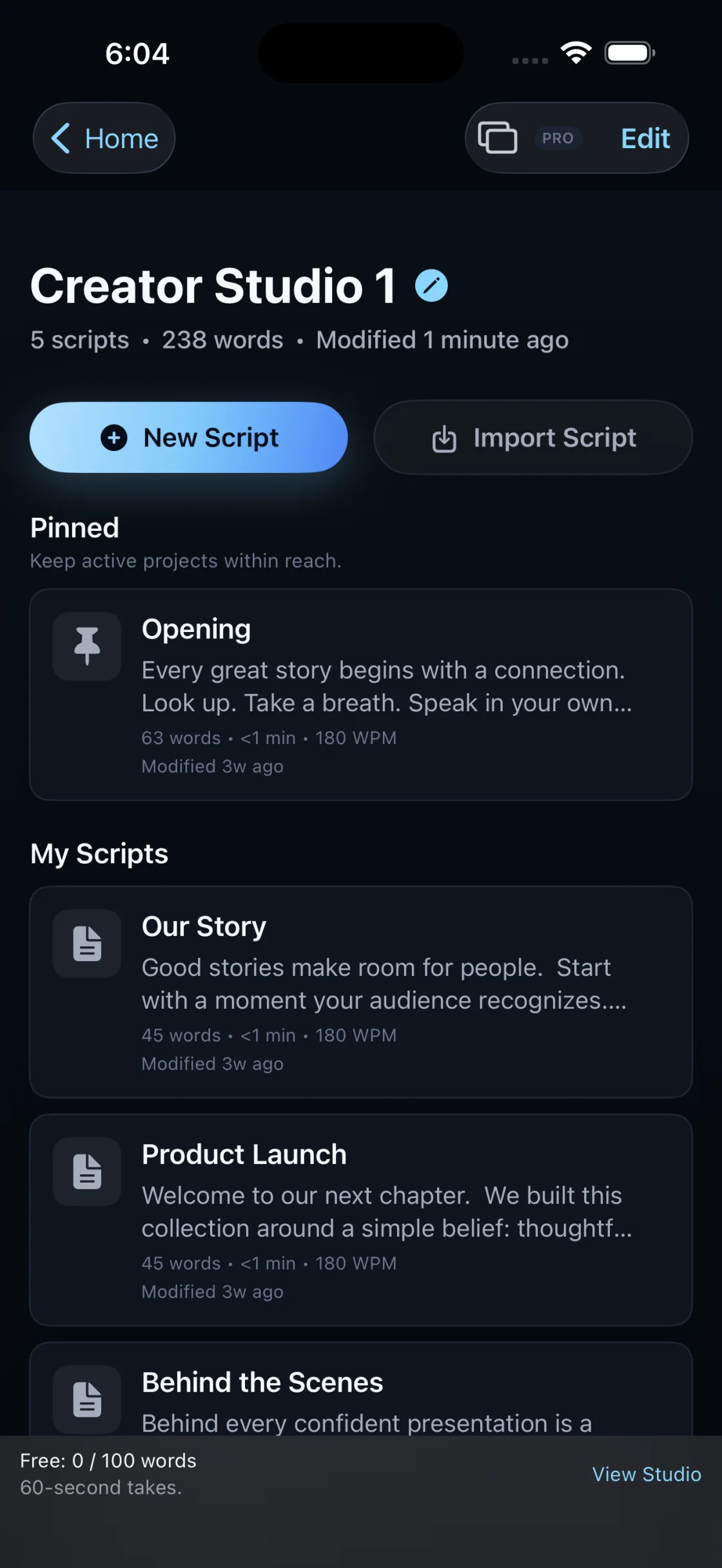
Scripts · Free on every device
Write, pin, import, and share your scripts in one organized project.
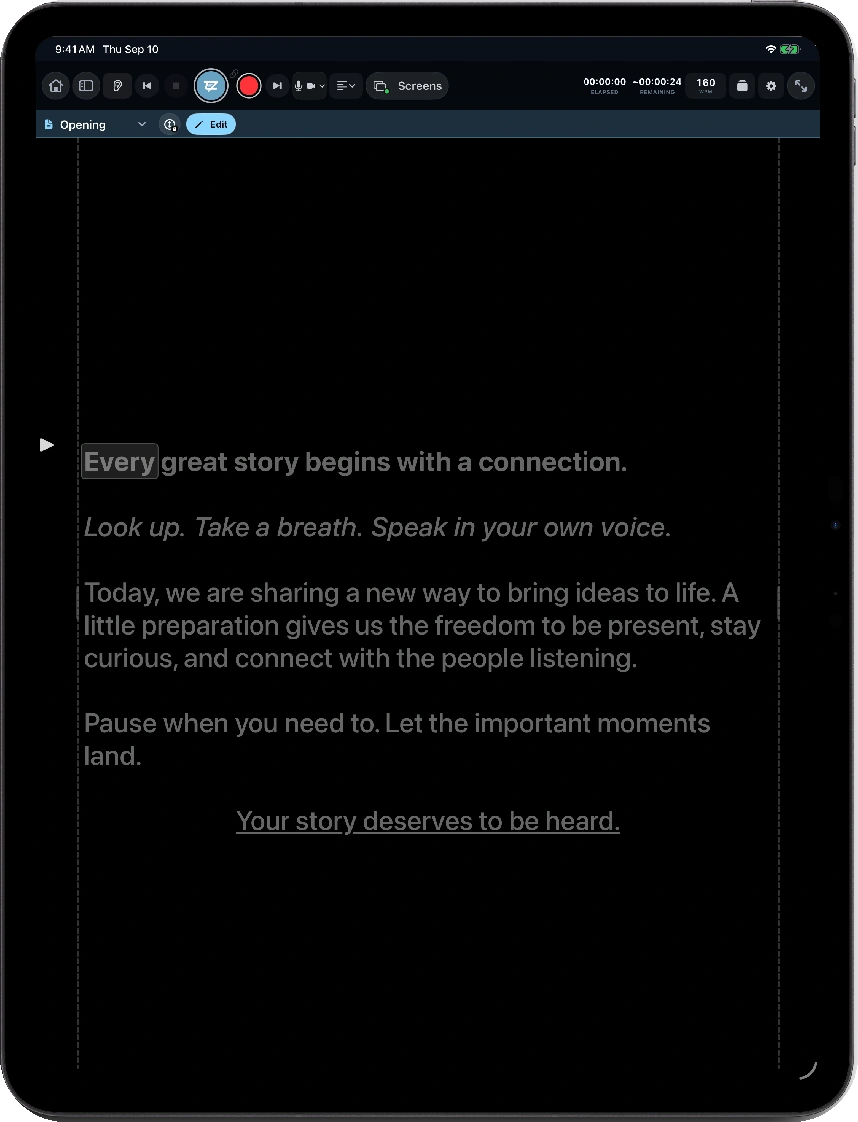
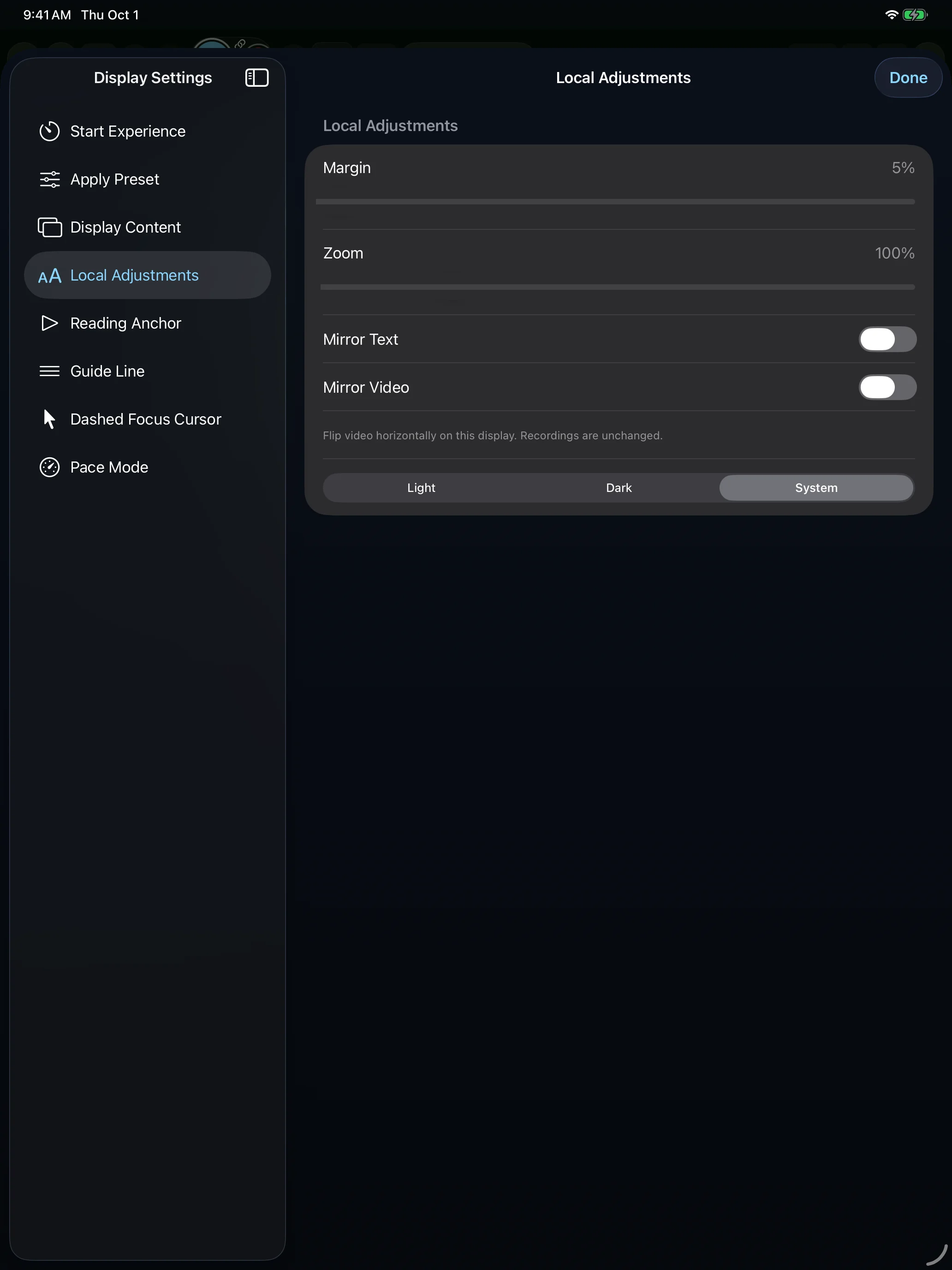
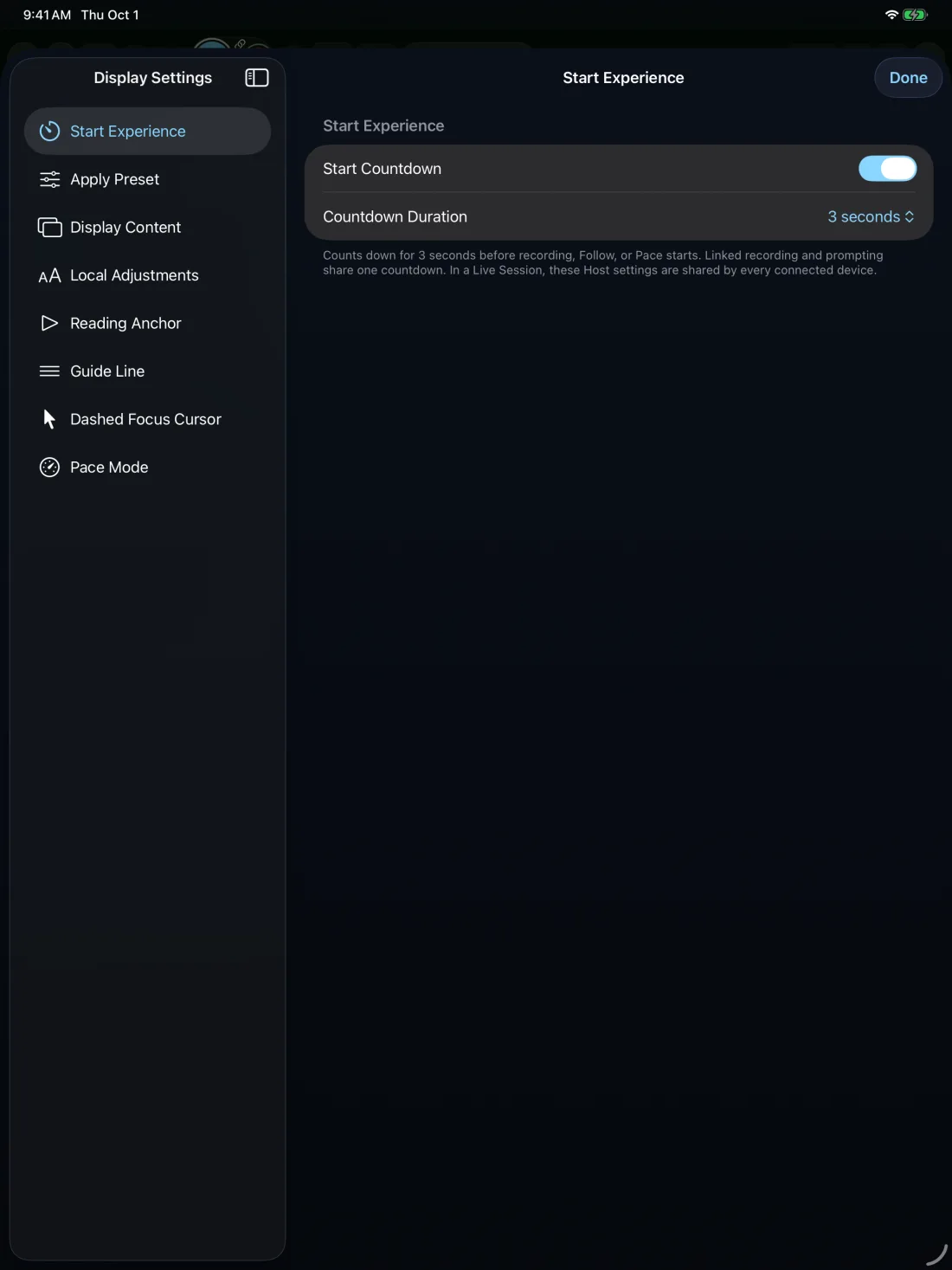
Display settings · Free on iPad
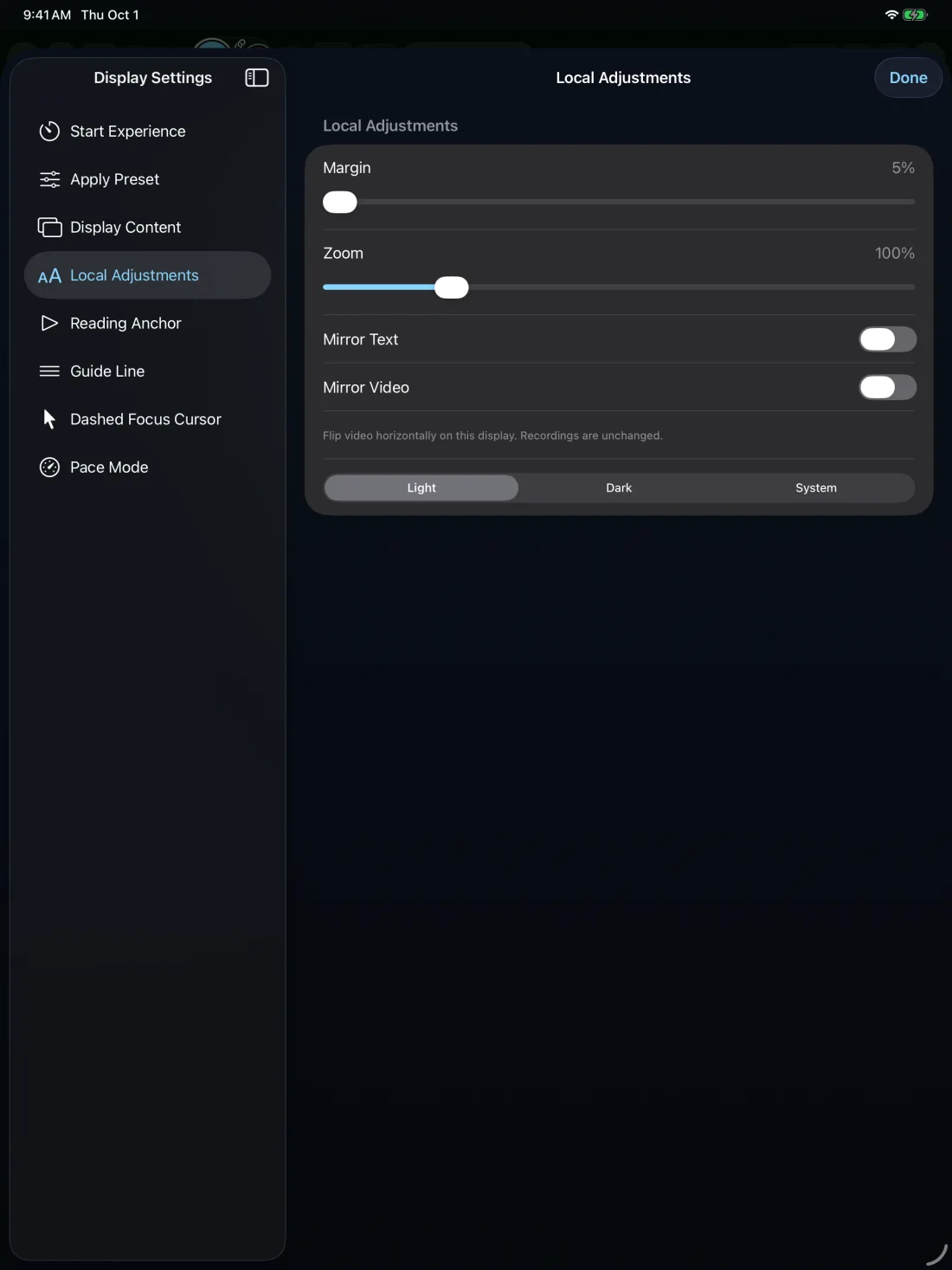
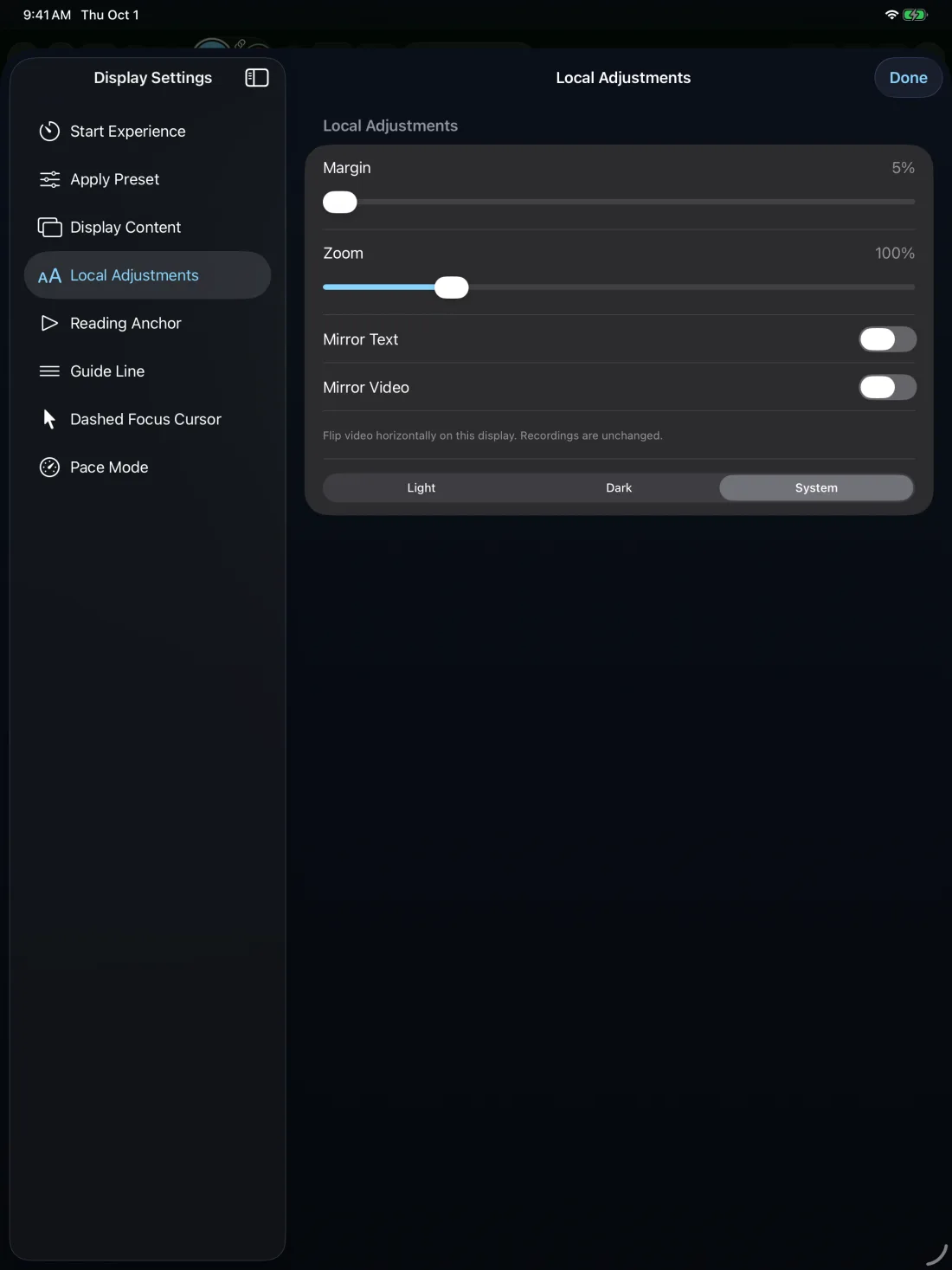
Set the reading view for your space, your eyes, and your next recording.

 10%
140%
10%
140%

Pro connected production
Record with an iPhone, read from an iPad, and direct from a Mac. The same session keeps scripts, prompting, cameras, and recording in sync.
No Mac required. An iPhone or iPad can host, and each connected screen can have its own job.
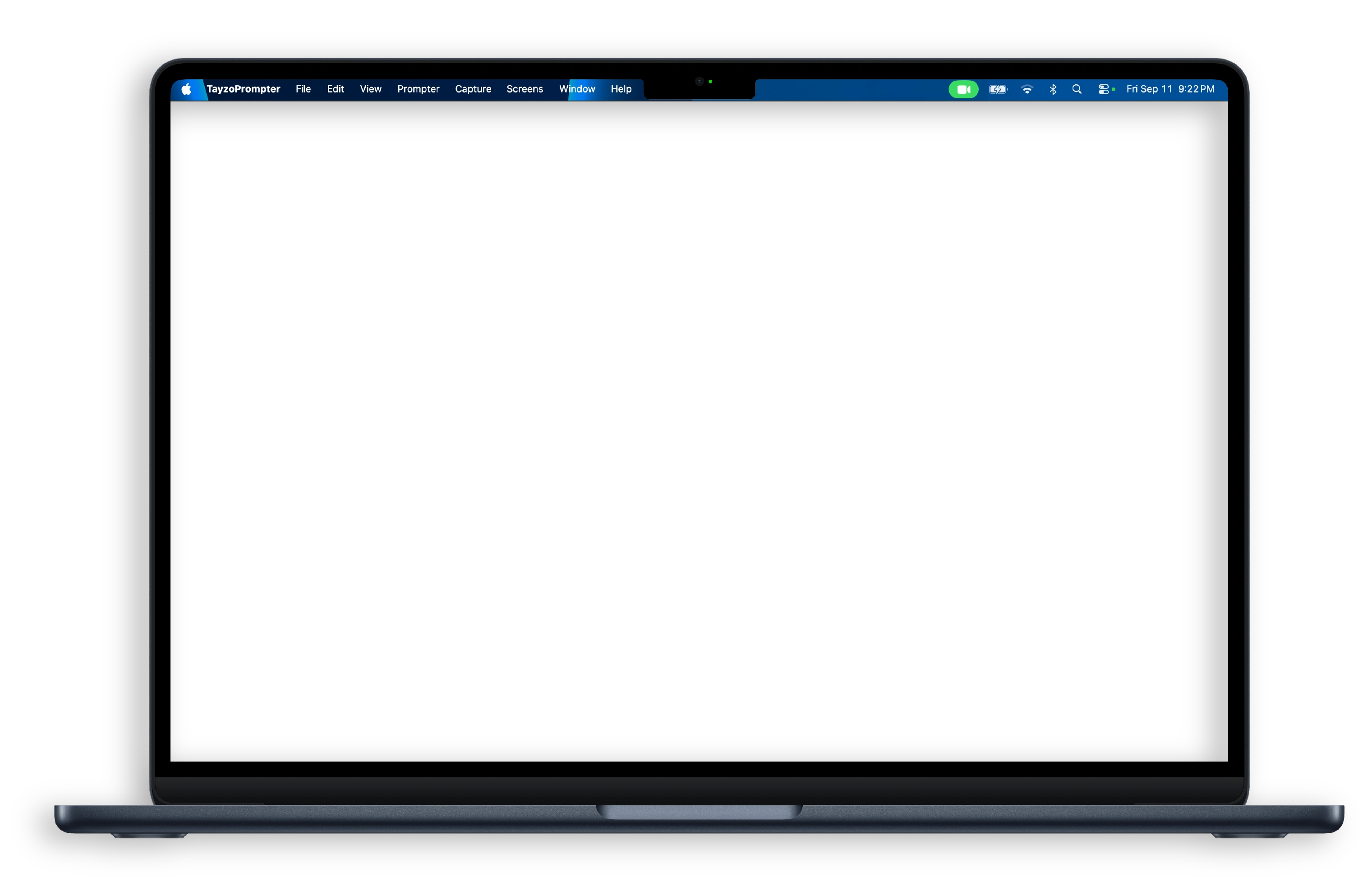
Mini Prompter · Studio + Pro on Mac
Move Mini Prompter where your eyes need it during a call or presentation. Turn on Ghost Mode to see the meeting beneath your words.
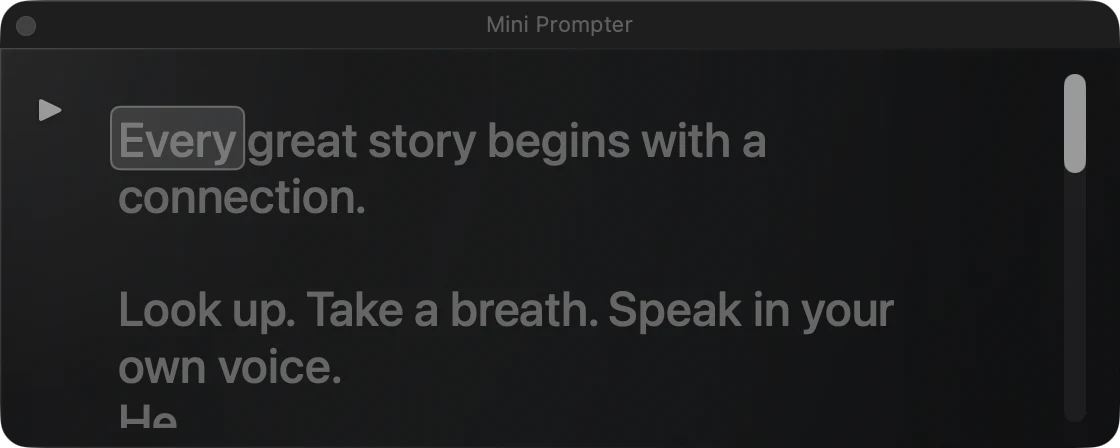
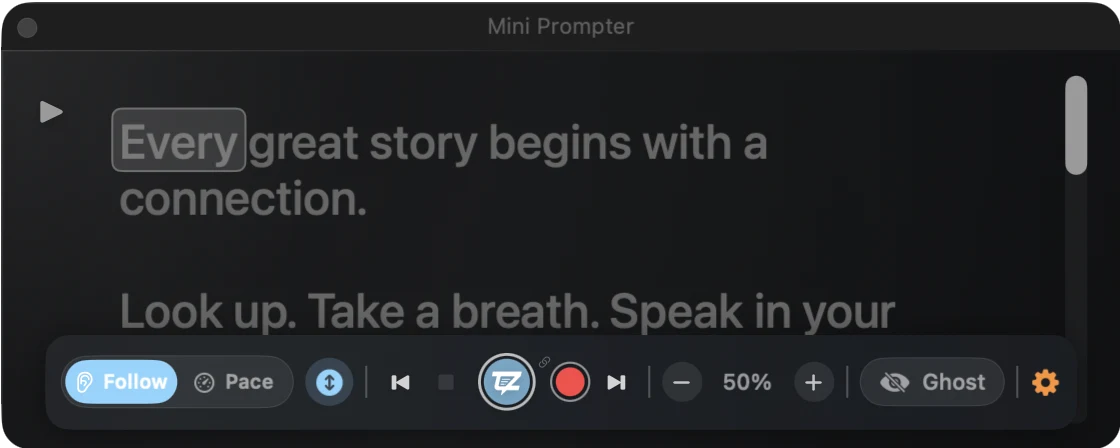
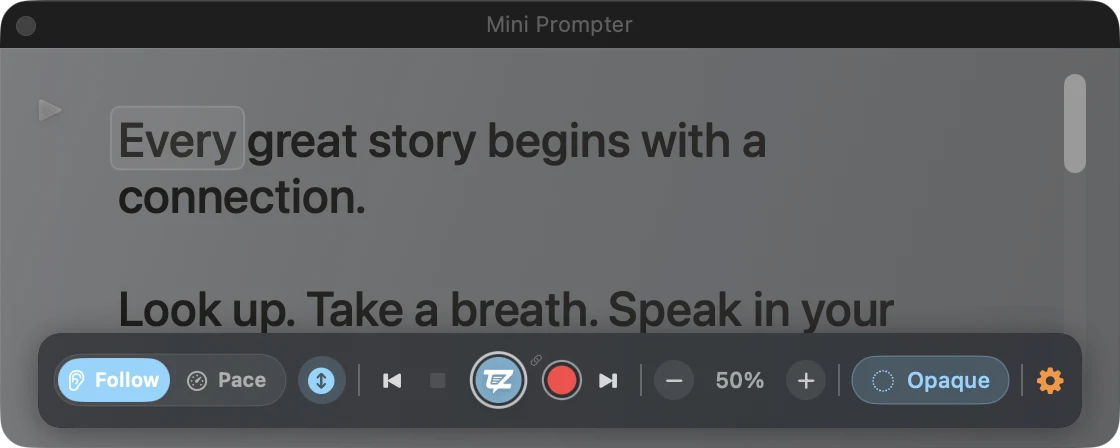
Your words, right where you need them.
Choose your plan
One app for Mac, iPhone, and iPad. Your Studio purchase or Pro subscription works across your devices with the same Apple Account.
Make your first recording.
$0
Audio-only recordings have no watermark.
Create without the limits.
$29.99 one-time purchase
Run the whole production.
$79.99 / year
Or $9.99 / month. Save 33% with yearly billing compared with 12 monthly payments.
7-day trial for eligible customers.

Start with Free. Choose Studio or Pro in the app.
US prices shown. Prices vary by region; trial eligibility is confirmed in the app. Capture options depend on your hardware.